Guides
How Fabber works
Thirteen short guides, one for each part of a job's life in Fabber. Each has a video of about a minute and the steps with screenshots. Watch the ones you need, in any order.
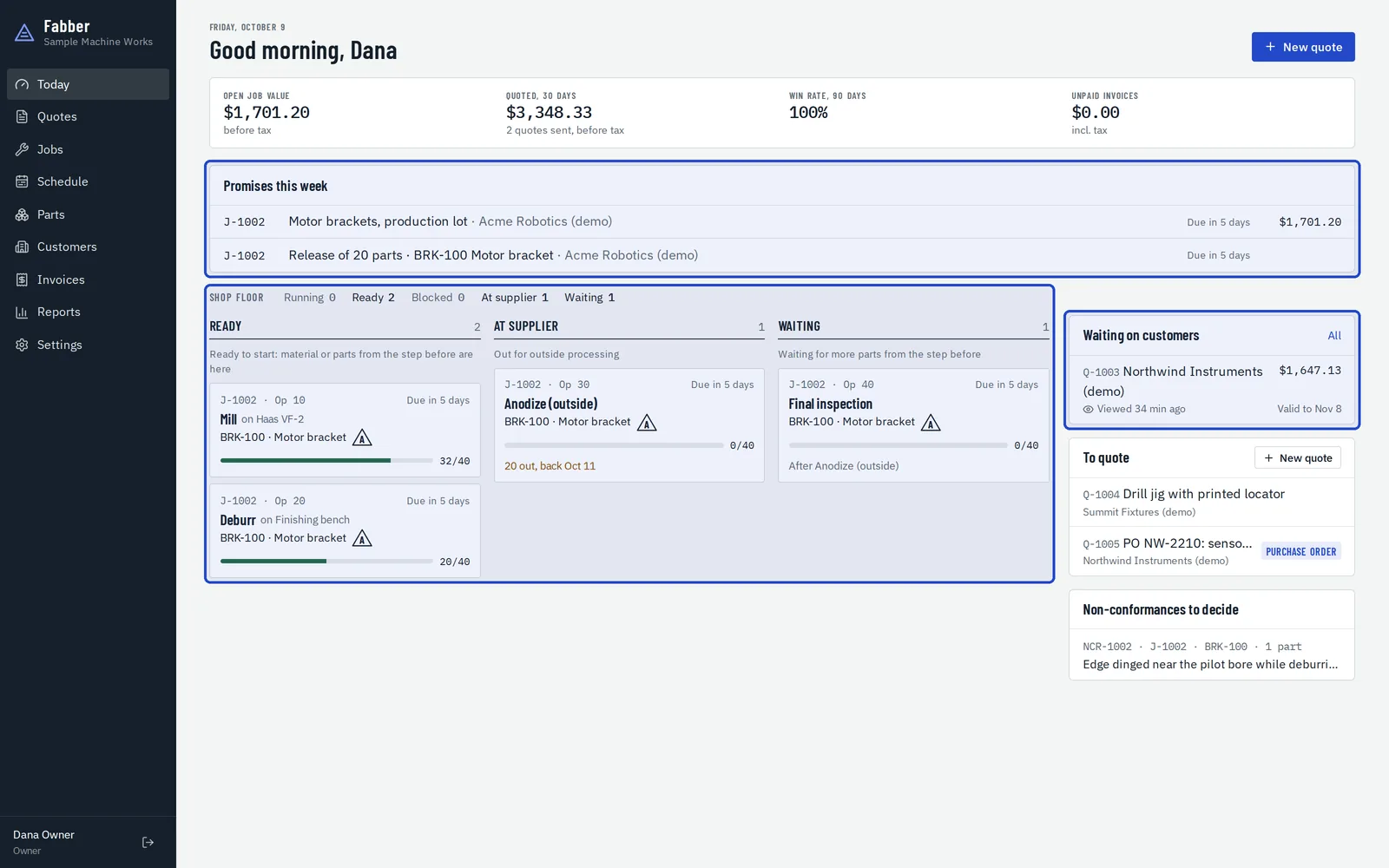 Part 1A tour of FabberWhere everything lives, and what each part of the app is for.7 steps · video
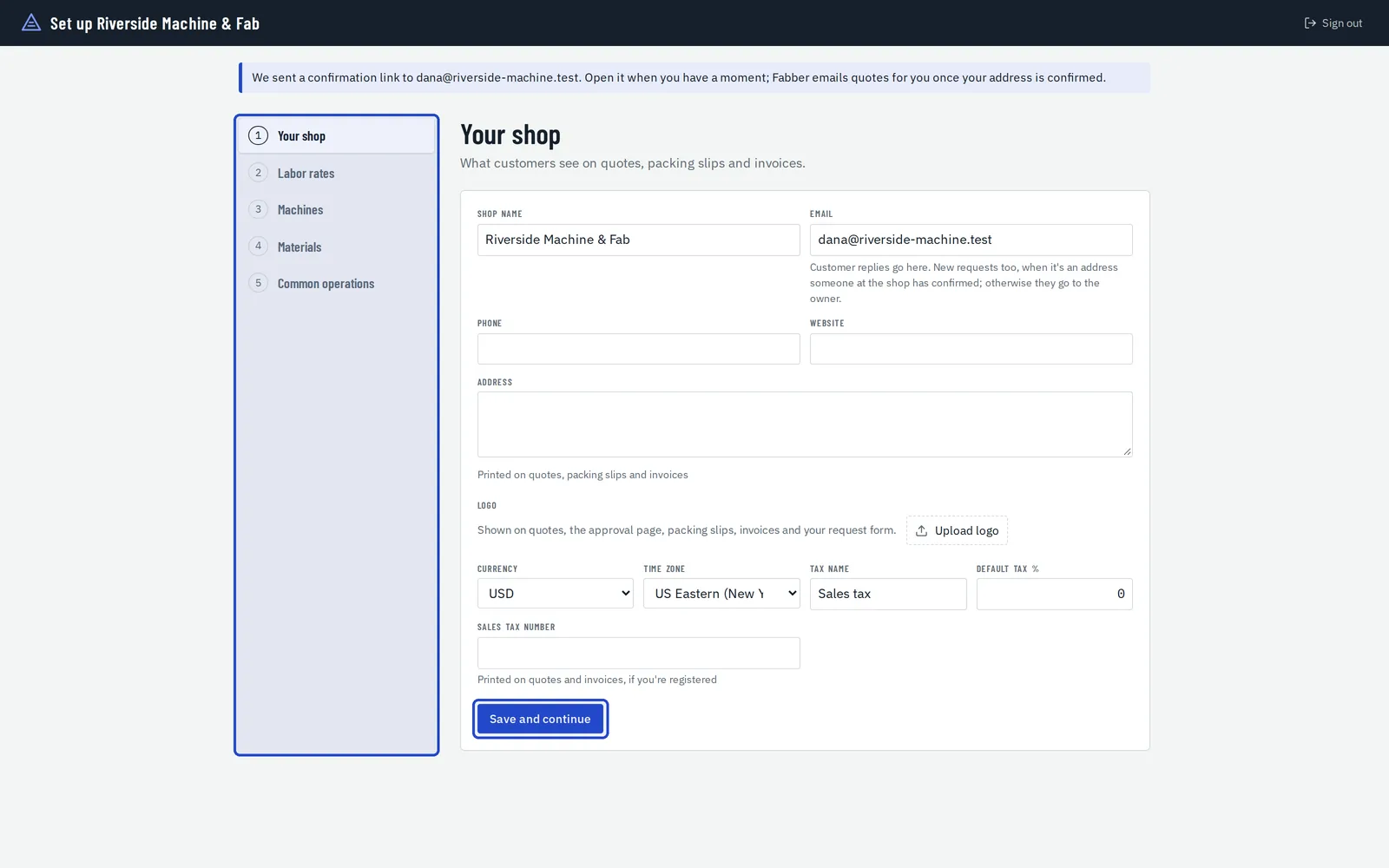 Part 2Set up your shopYour shop's details, labor rates, machines, materials and common operations. About twenty minutes.6 steps · video
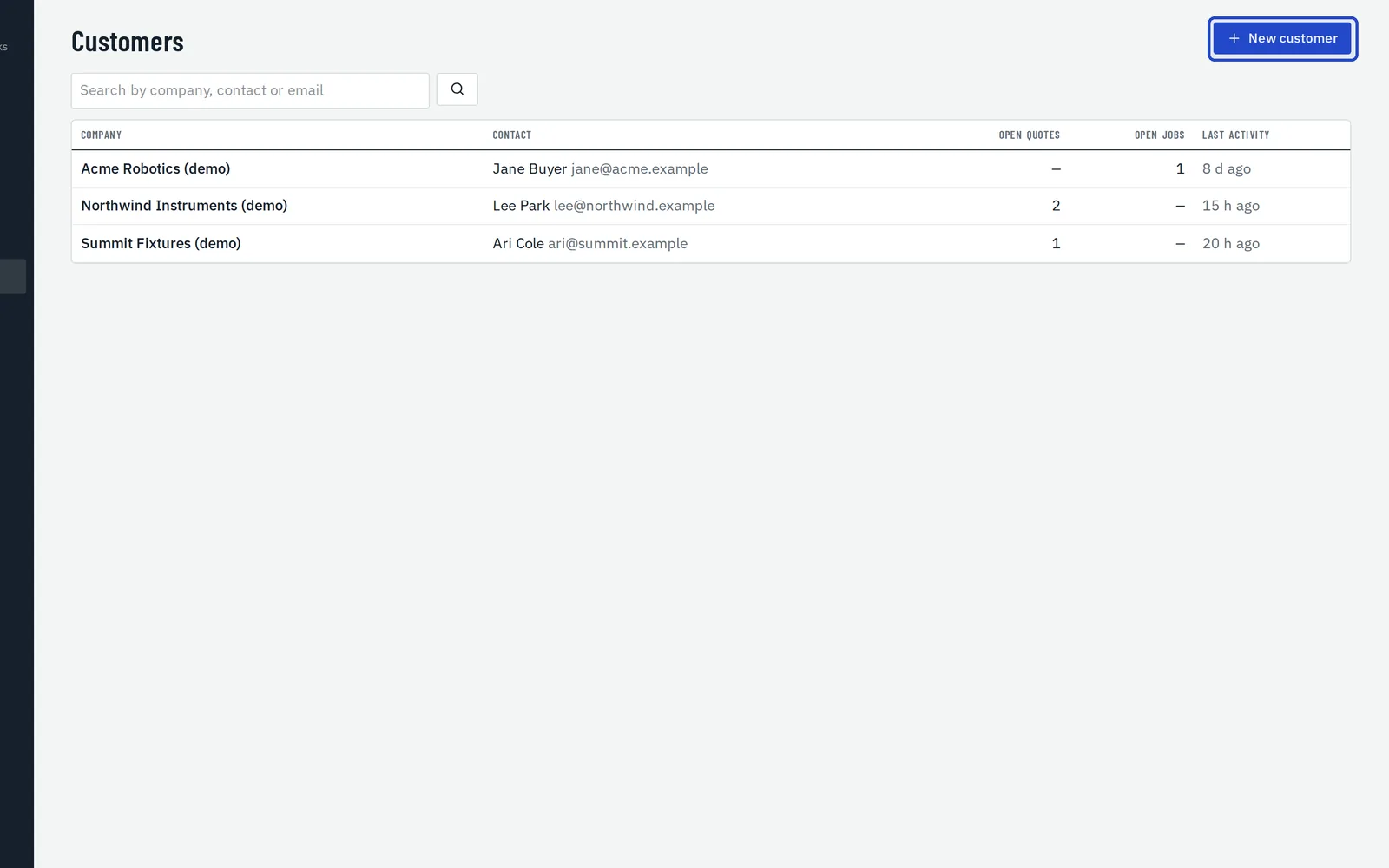 Part 3Customers and partsWho you work for, what they need with every shipment, and the drawings you make parts to.5 steps · video
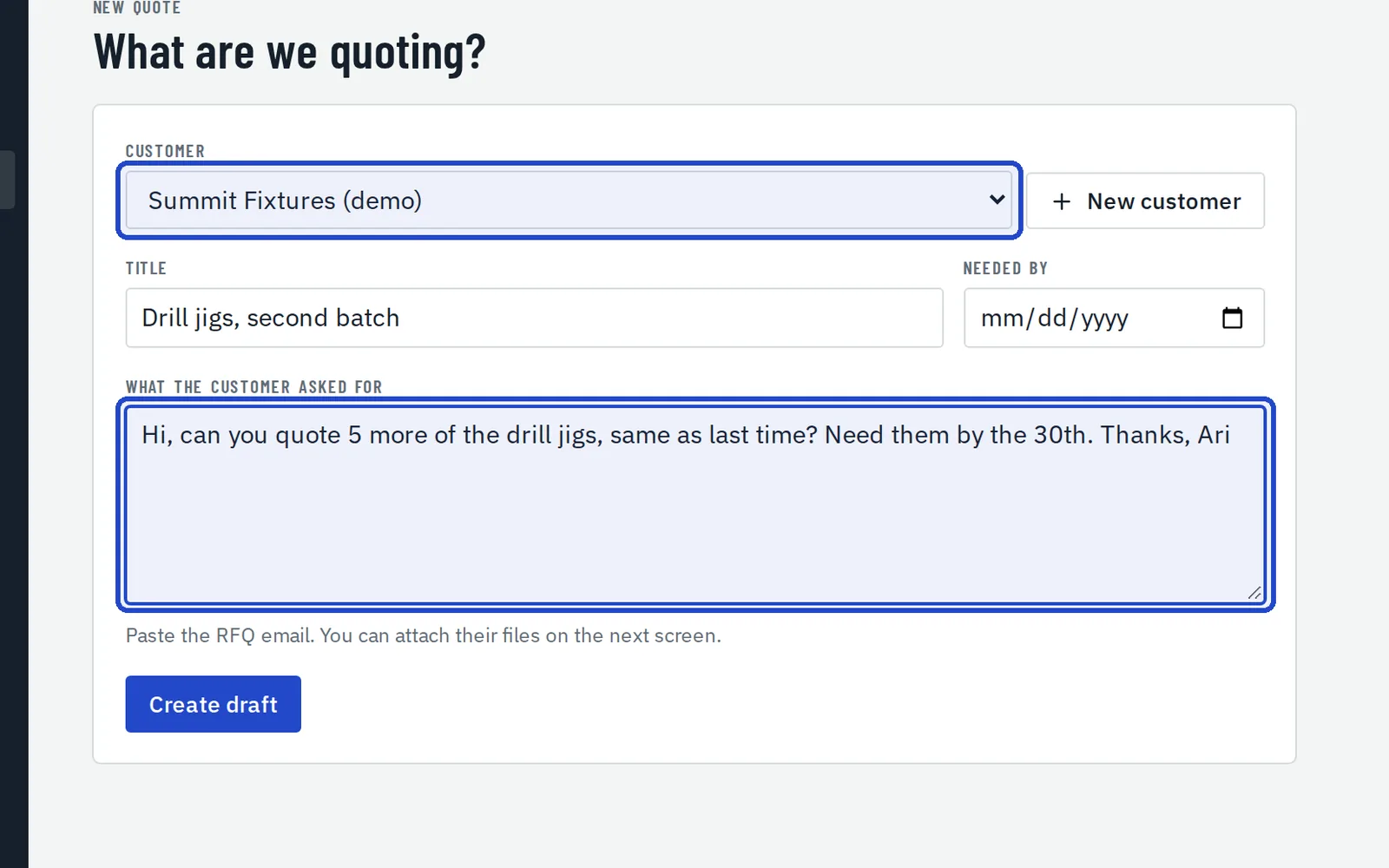 Part 4Write a quotePrice a job from your own rates, by margin or markup, with price breaks.7 steps · video
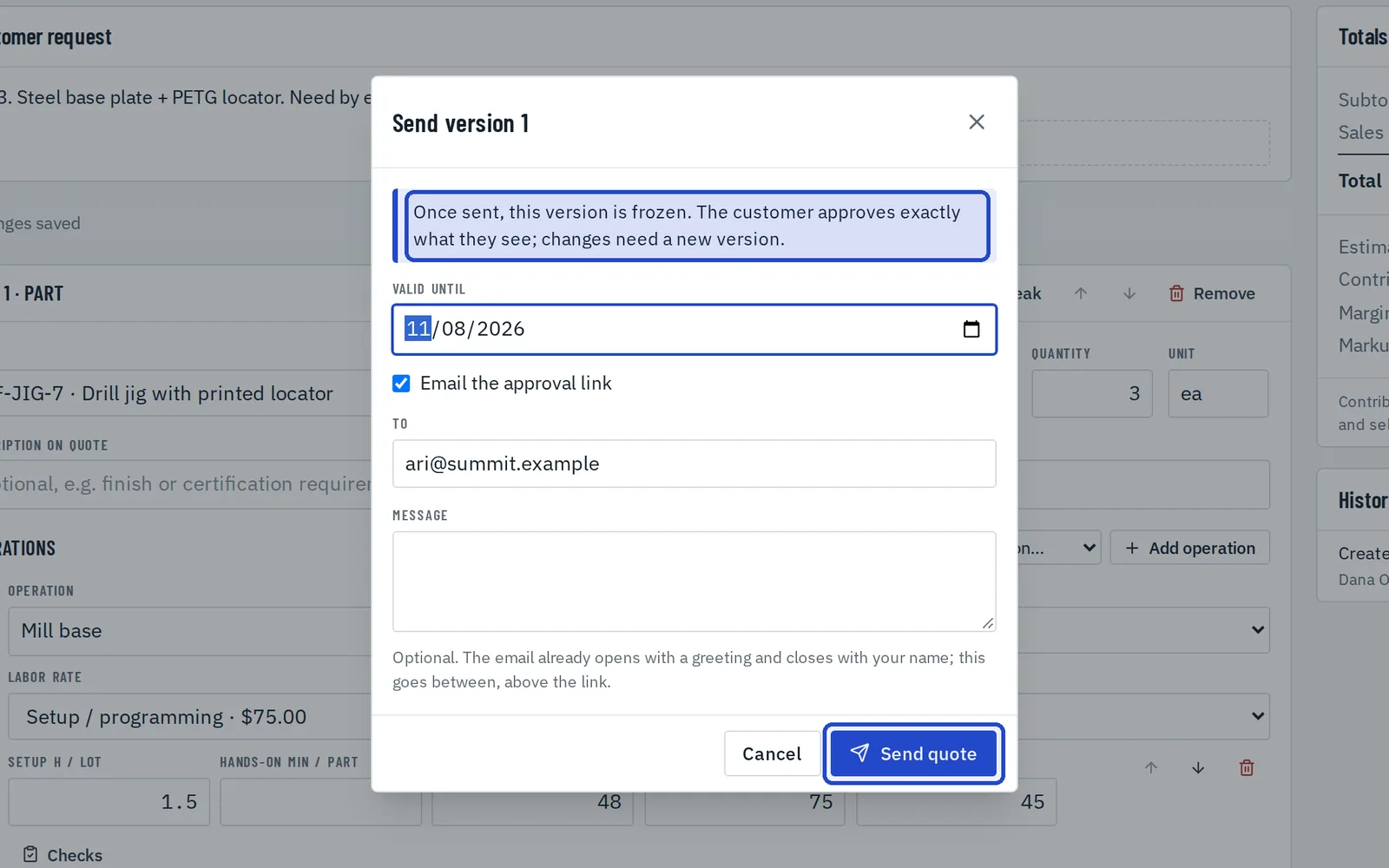 Part 5Send it for approvalSend one exact version, and get it approved online with the customer's PO.5 steps · video
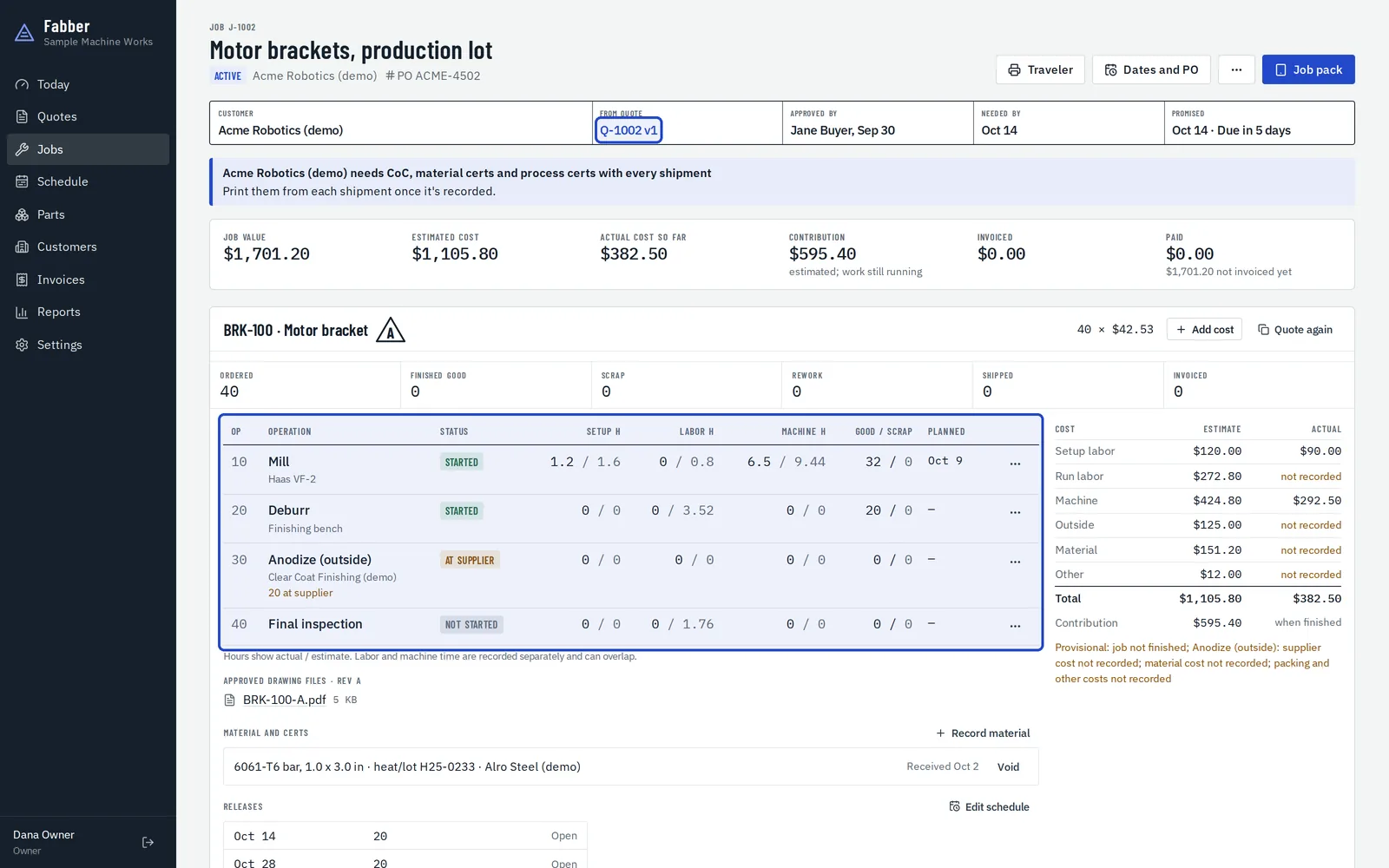 Part 6From approval to jobThe approved quote becomes the job: its drawing, its operations and its dates.5 steps · video
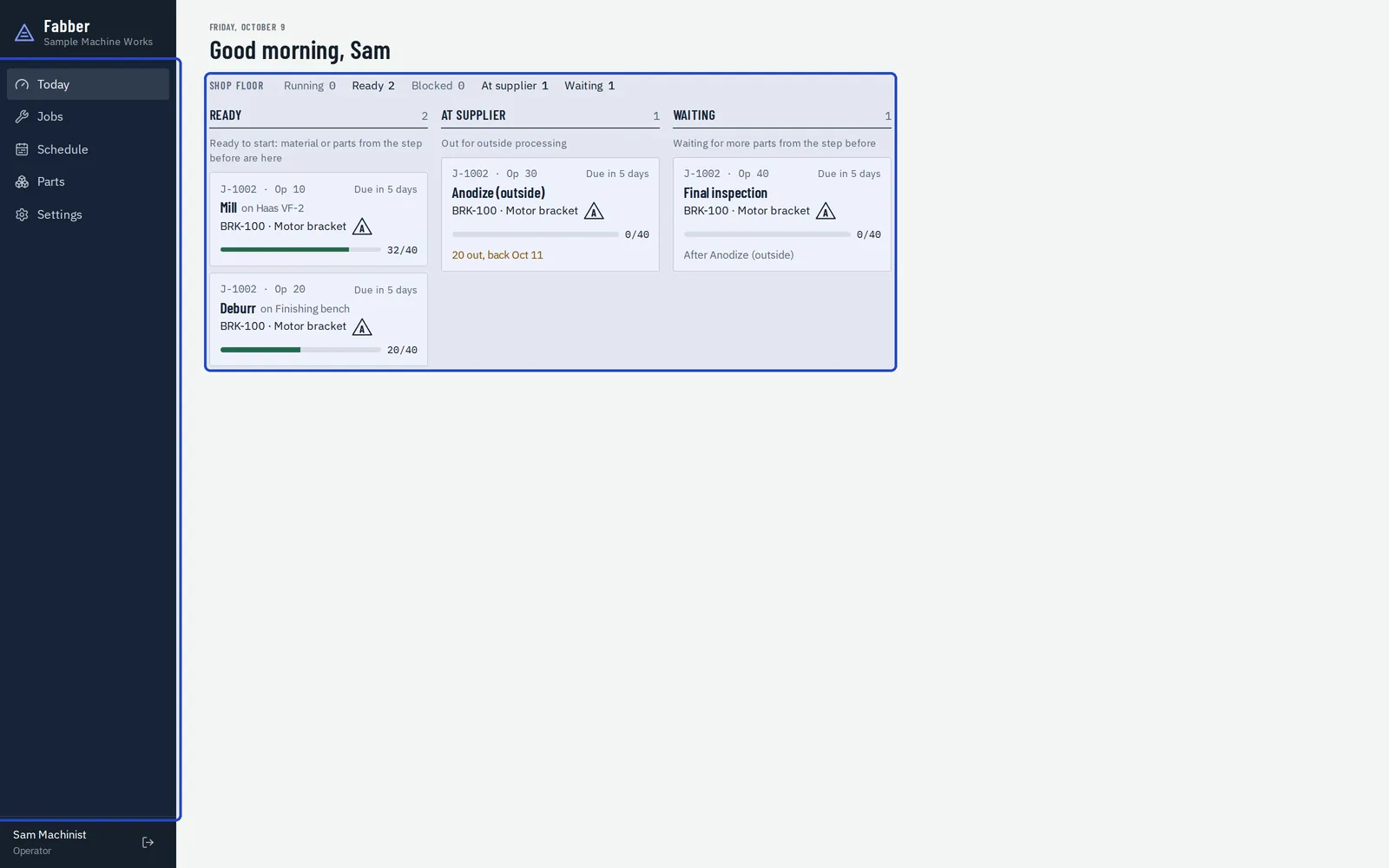 Part 7On the shop floorThe job pack: the approved drawing, timers, counts and checks.7 steps · video
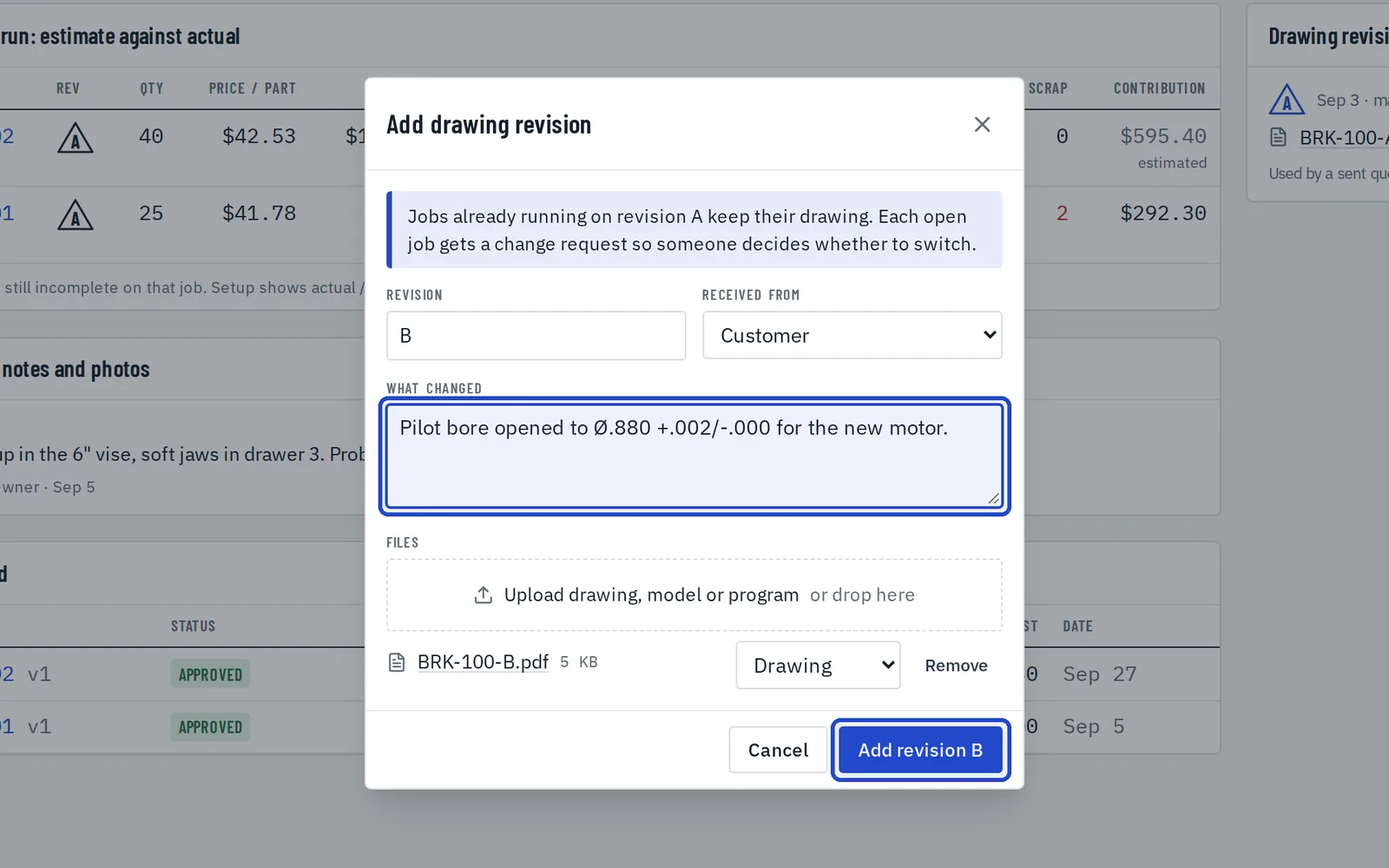 Part 8When the drawing changesA new revision never quietly replaces the drawing at the machine.5 steps · video
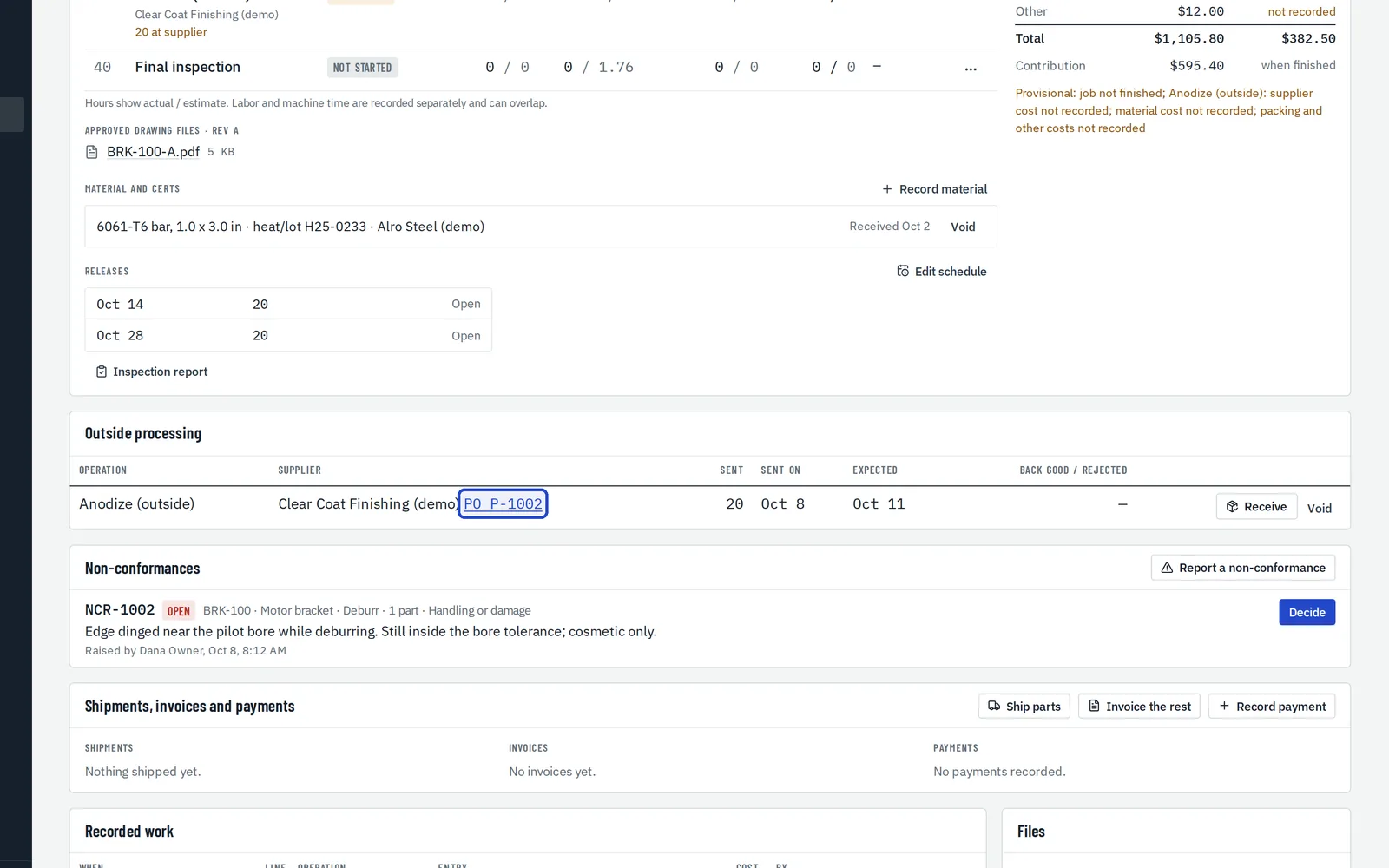 Part 9Outside processing and materialParts out to the anodizer and back, and the material you made them from.5 steps · video
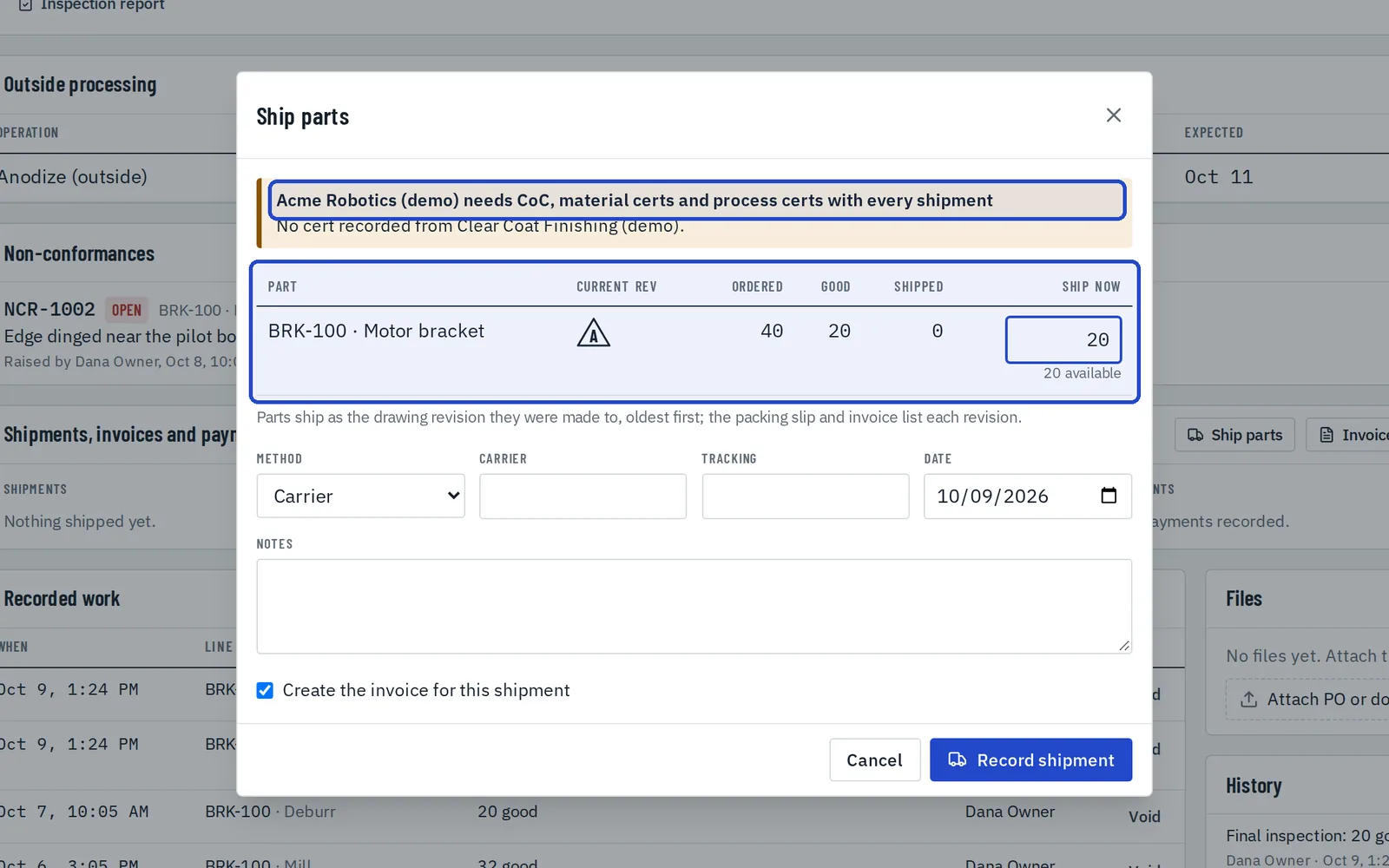 Part 10Ship, certify and invoicePartial shipments, packing slips, certificates, invoices, credit notes and your accounting export.8 steps · video
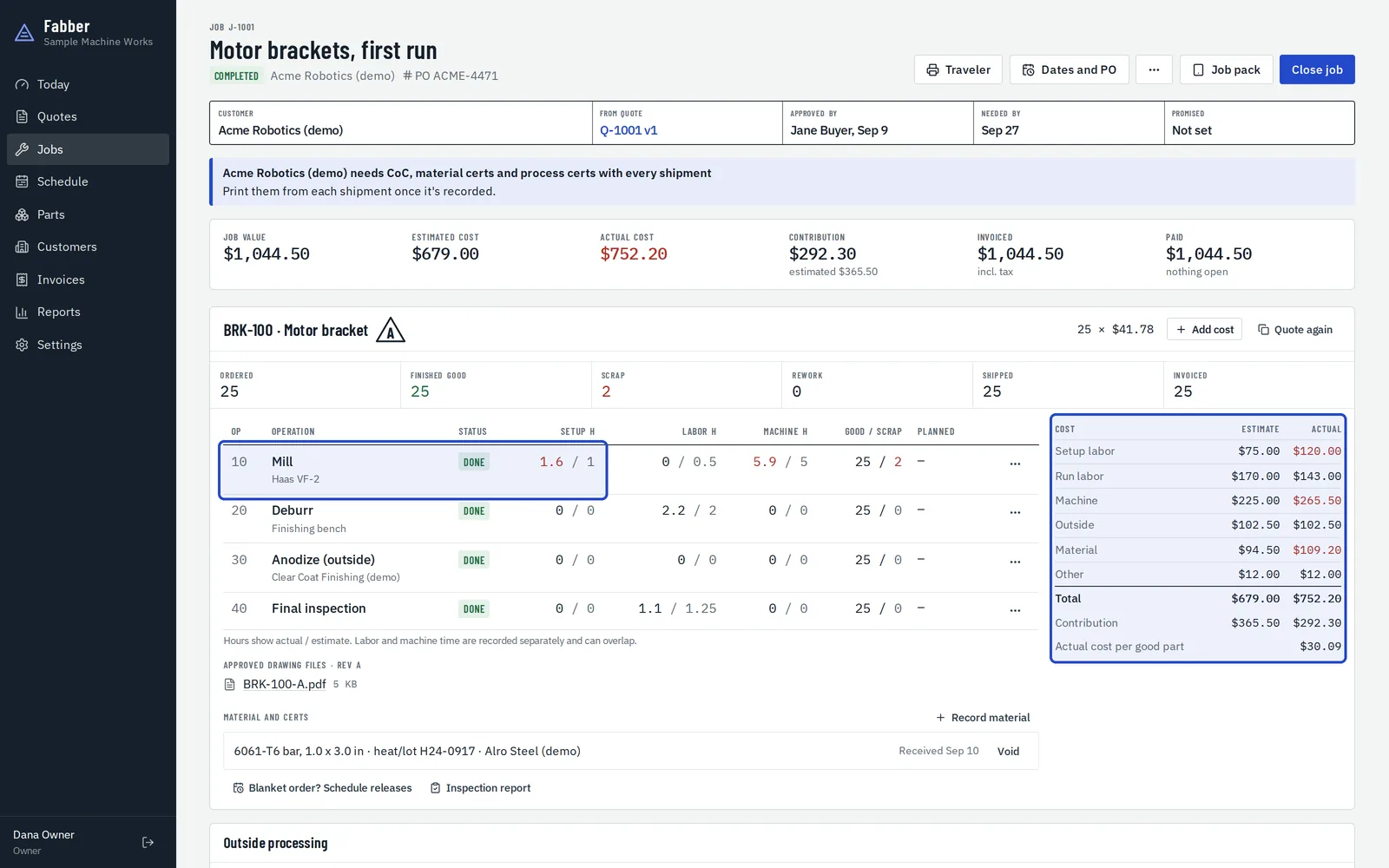 Part 11What it really costEstimate against actual on every job, and the next quote from the last run.5 steps · video
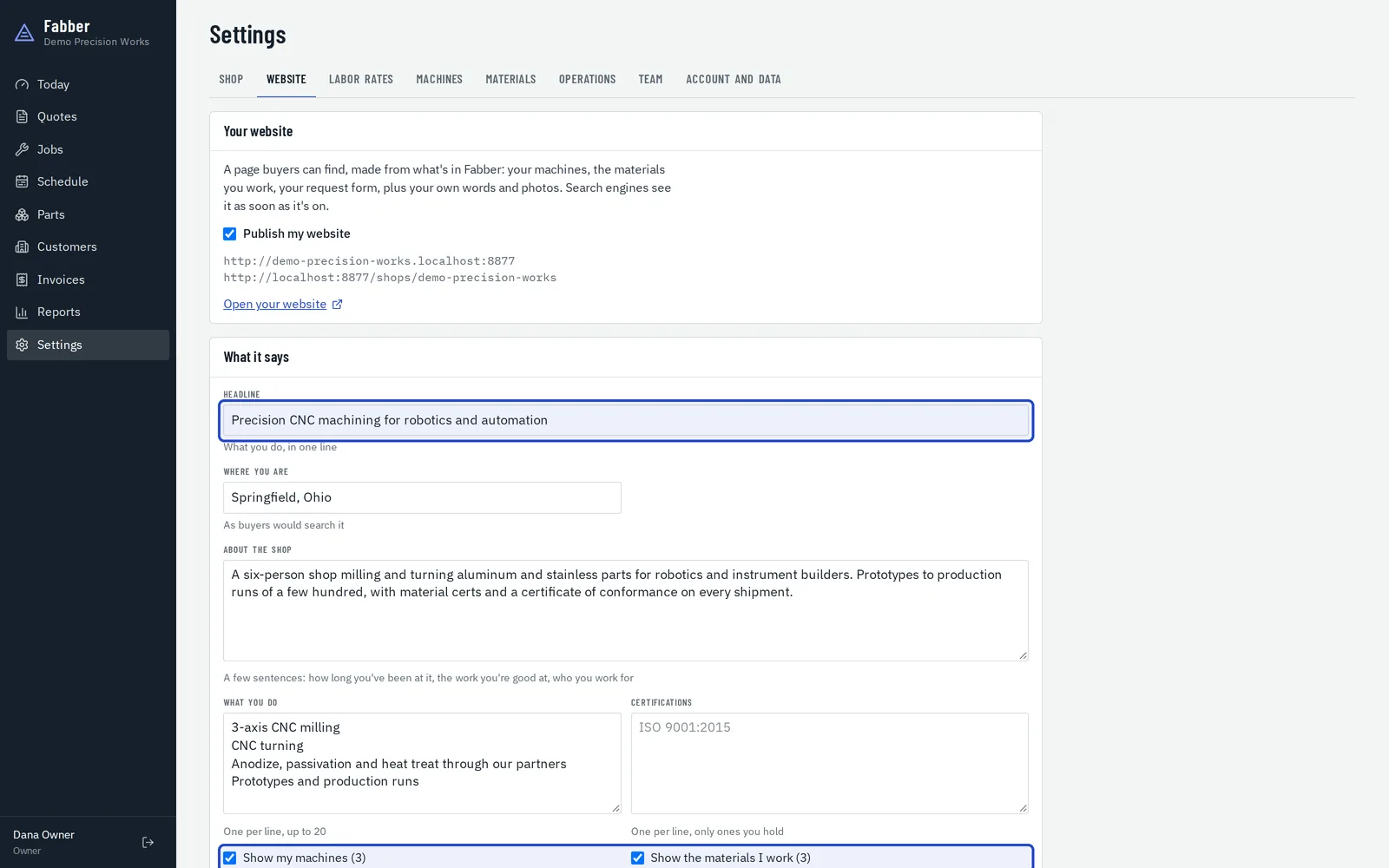 Part 12Your shop's websiteA website for your shop, made from what's already in Fabber, with a request form that lands as a draft quote.5 steps · video
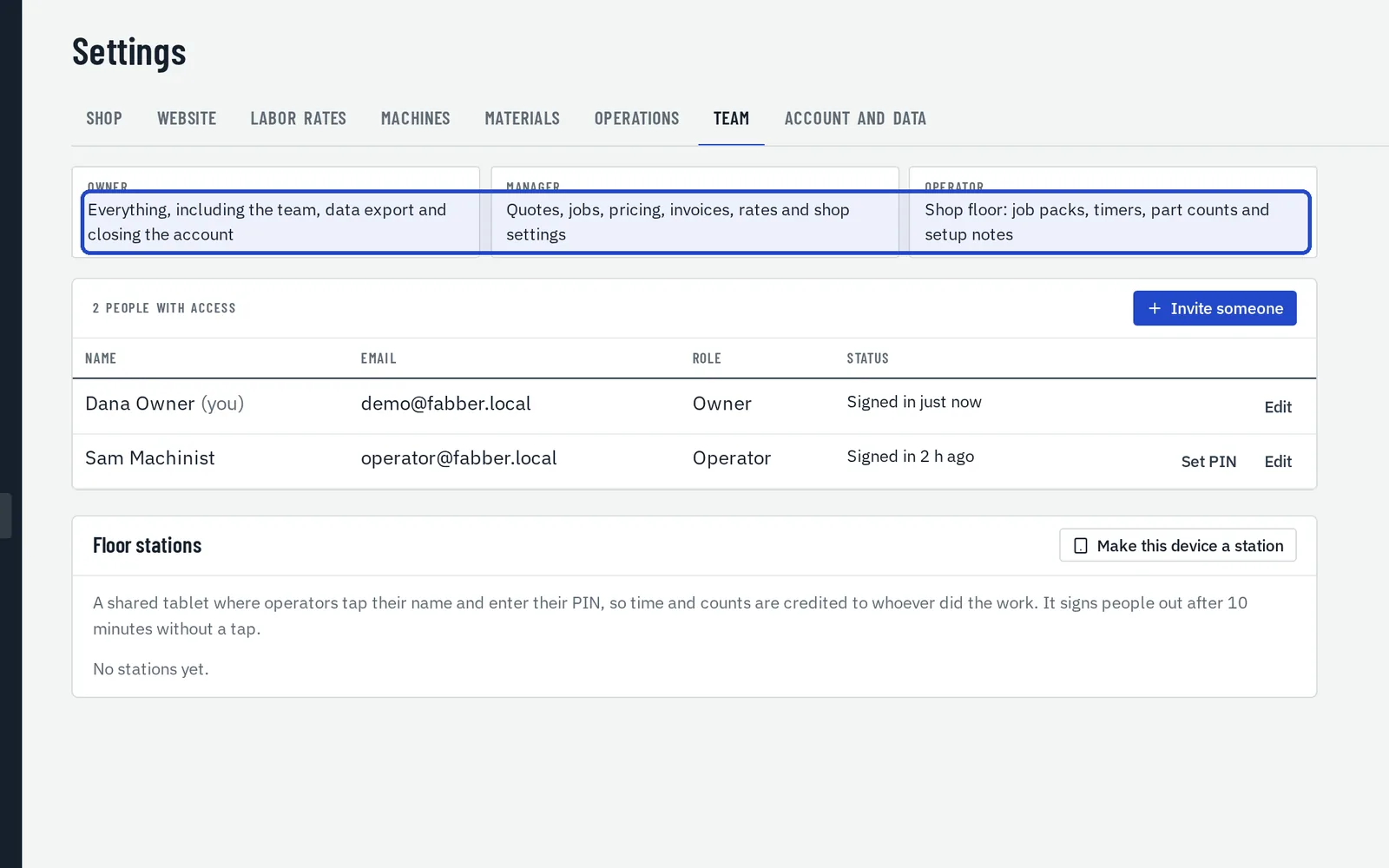 Part 13Your team and your dataWho sees what, and getting all of your data out.3 steps · video
See it with your own eyes
Every guide is filmed in a sample shop. Open one yourself and try anything: it's full of fictional jobs and private to you.