Part 1 of 13
A tour of Fabber
Where everything lives, and what each part of the app is for.
 Video coming soon
Step by step
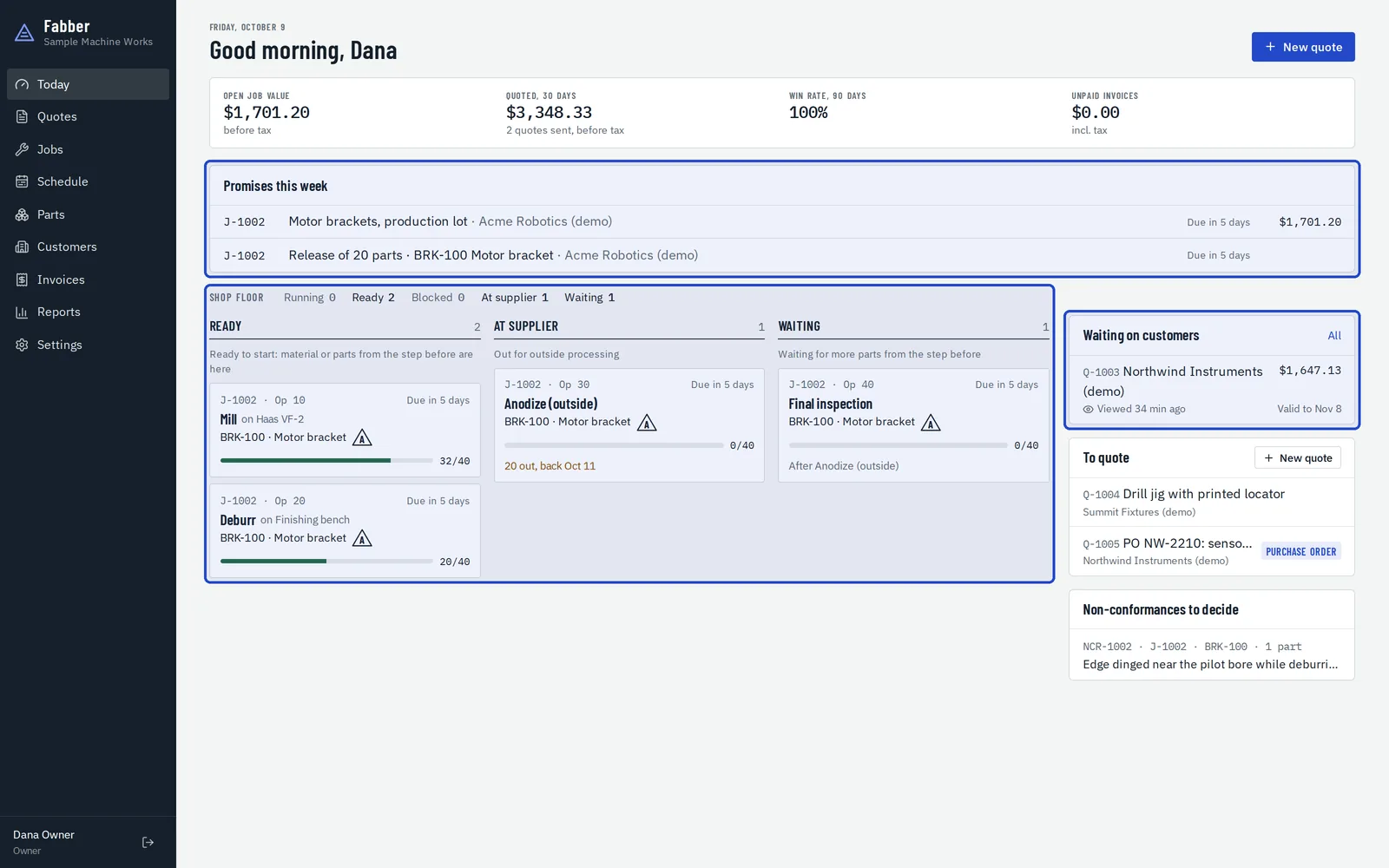
Start each day on Today
Today shows the promises due this week, the shop floor's lanes (ready, at the supplier, waiting), the quotes waiting on customers and the requests still to quote.
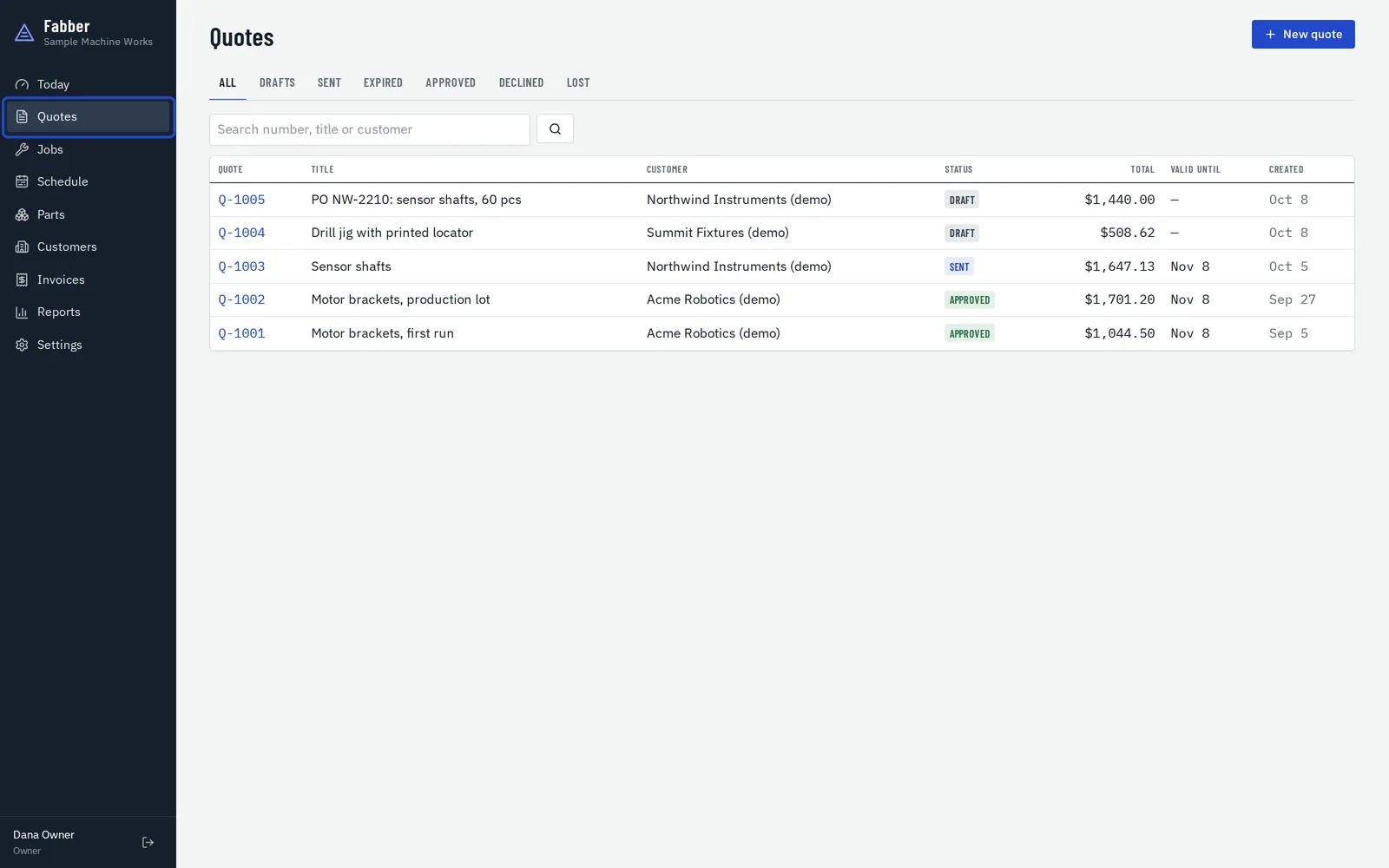
Quotes
Every quote, from first draft to approved. The tabs filter by status, and you can search by number, title or customer.
Jobs
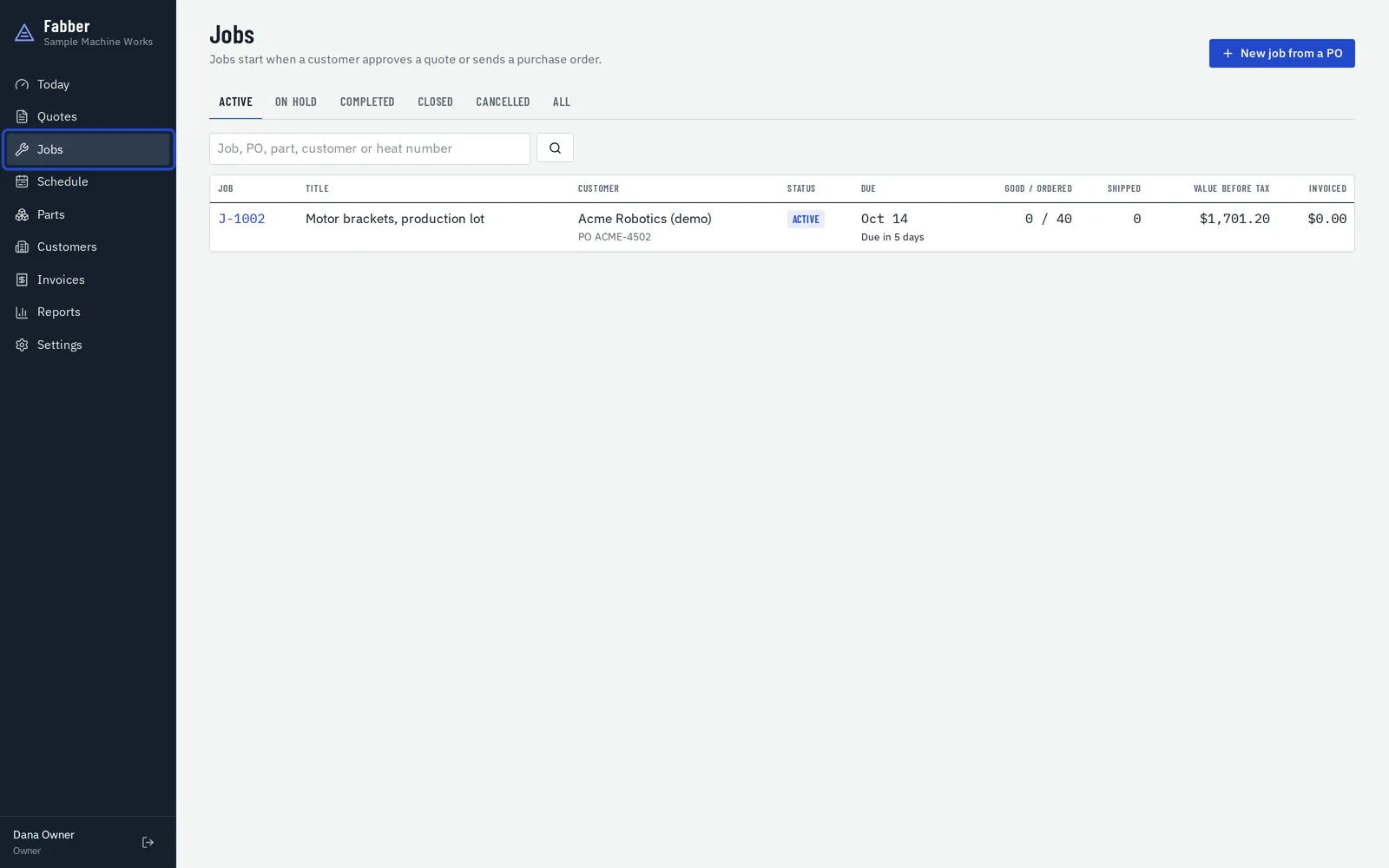
Jobs start when a customer approves a quote or sends a purchase order. Search by job, PO, part, customer or heat number.
Schedule
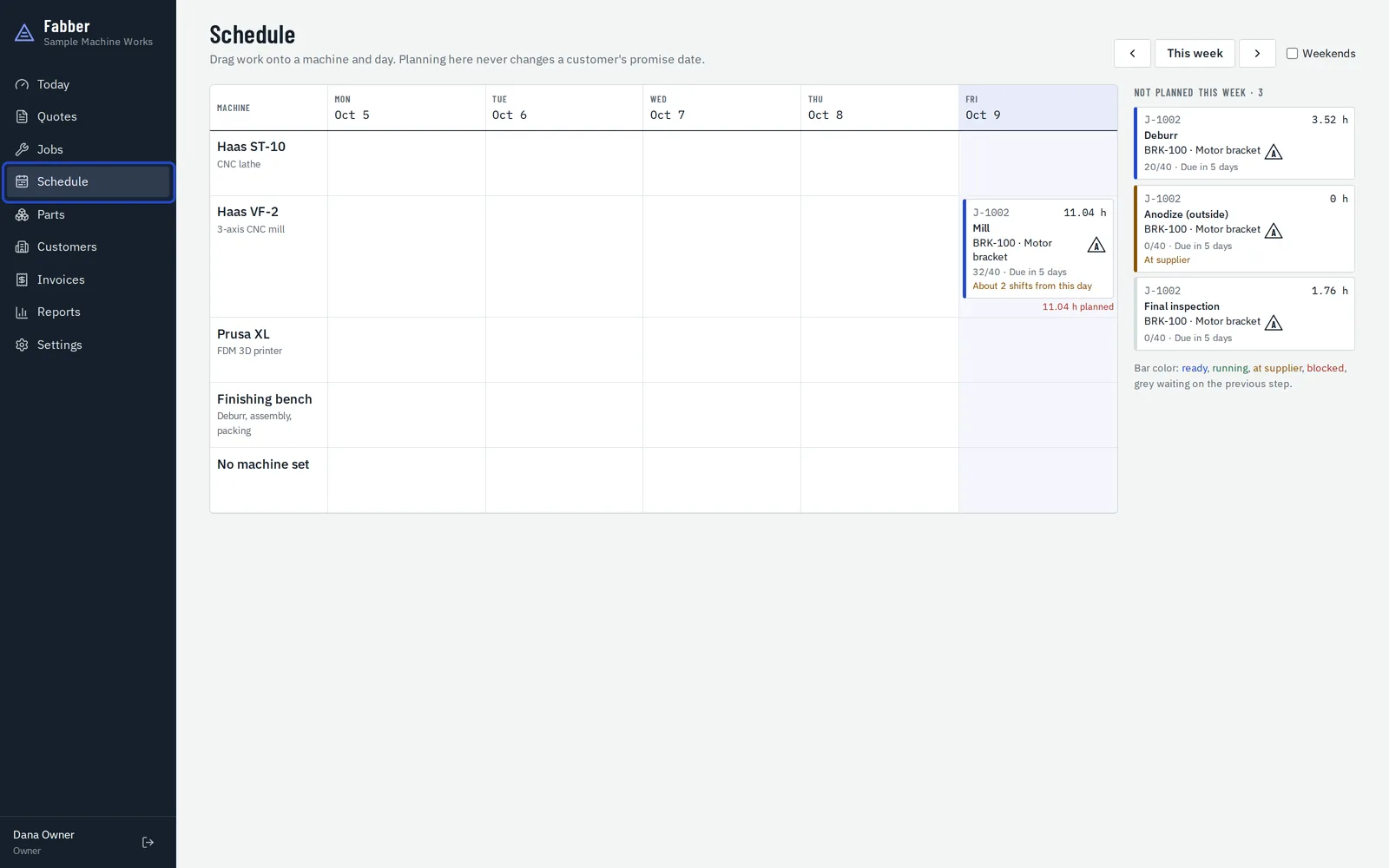
Drag work onto a machine and a day. Planning here never changes a customer's promise date.
Parts and customers
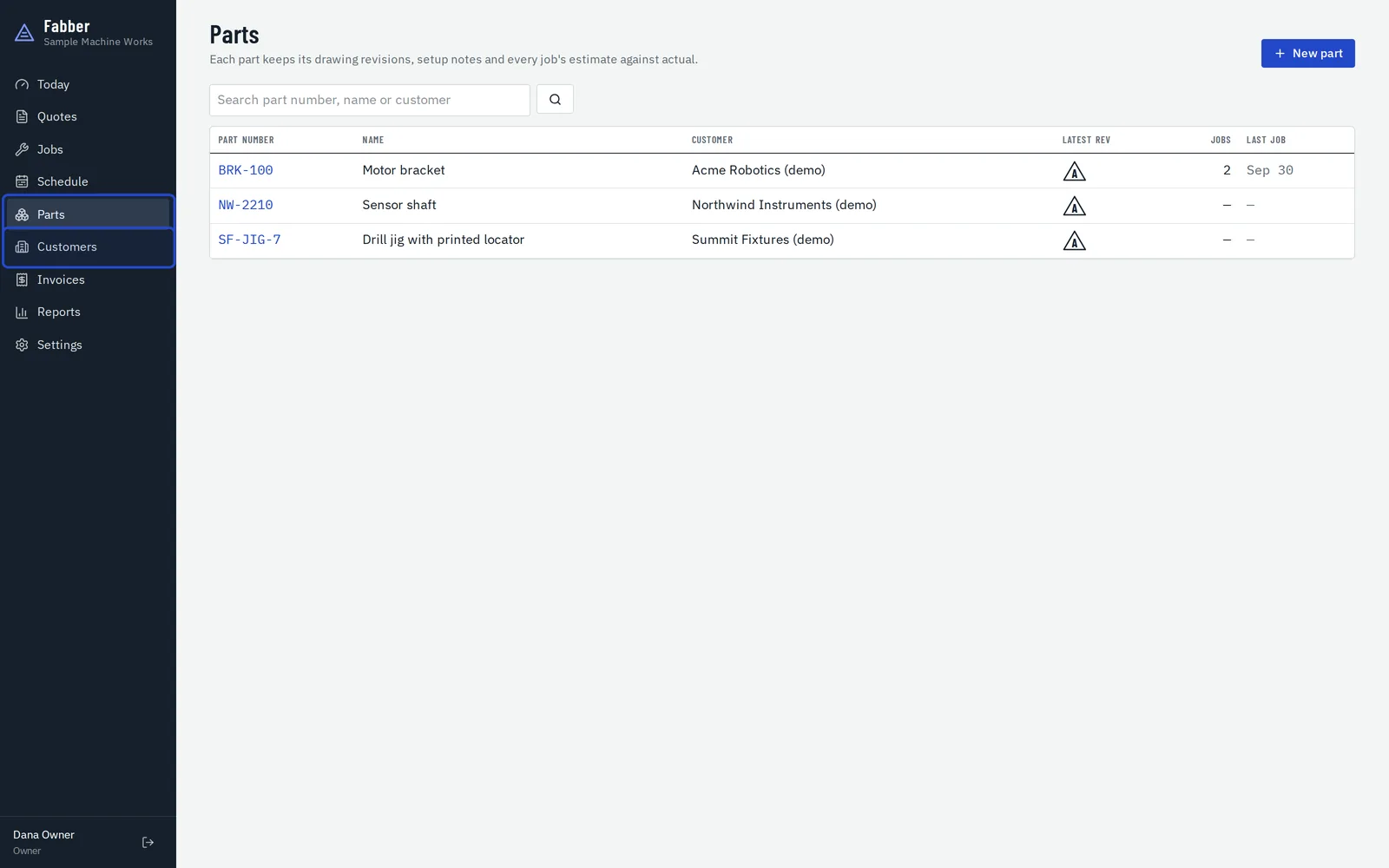
Parts keep their drawing revisions and setup notes. Customers keep their terms and the paperwork they need with every shipment.
Invoices and reports
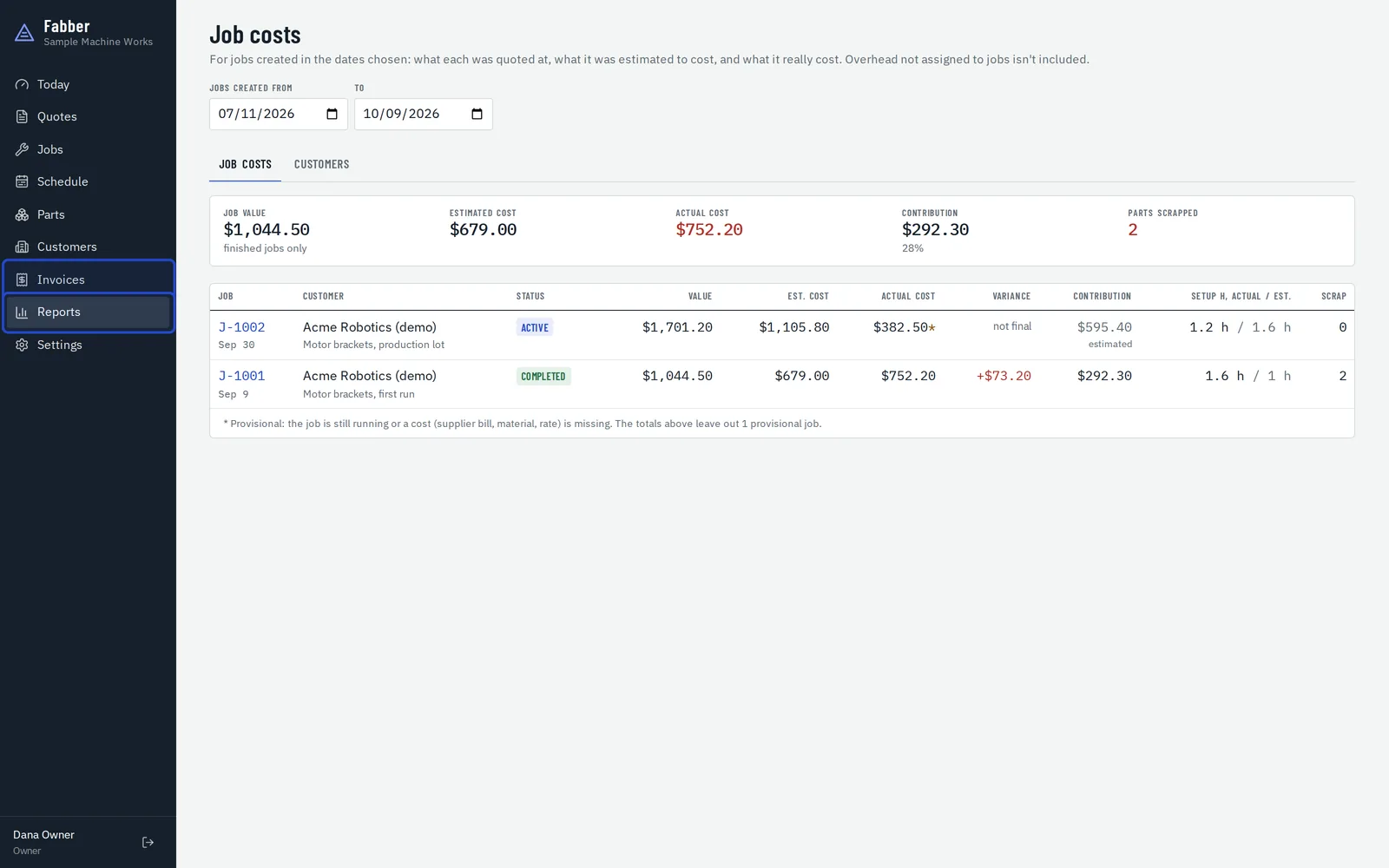
Invoices are prepared from what shipped, ready for your accounting system. Reports show each job's estimate against actual, and a scorecard for each customer.
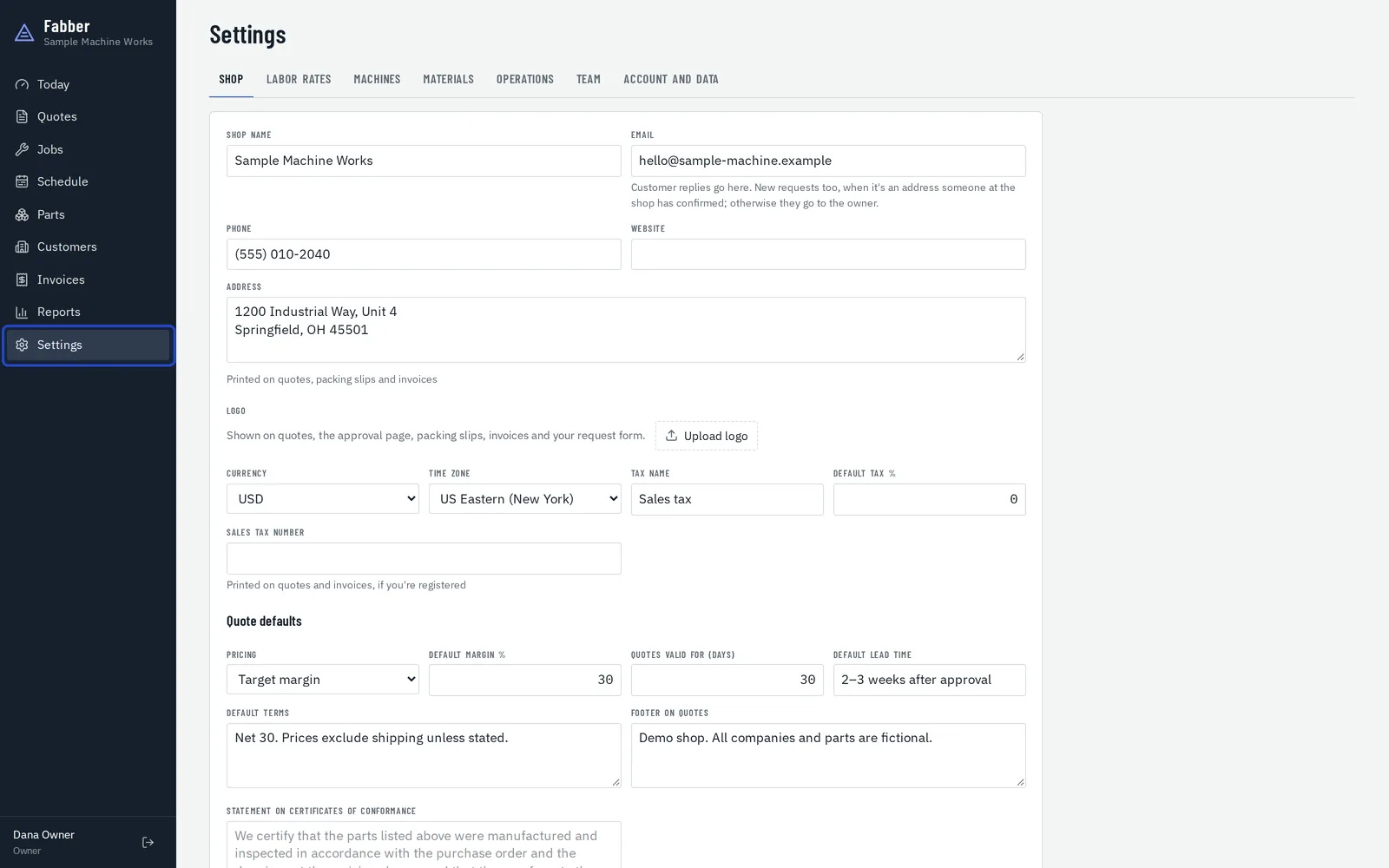
Settings
Your shop's details, labor rates, machines, materials, common operations, team and data.