Part 9 of 13
Outside processing and material
Parts out to the anodizer and back, and the material you made them from.
 Video coming soon
Step by step
Send parts out
On an outside operation, choose Send to supplier and enter the supplier, the quantity sent and when they're expected back. Each shipment gets its own PO number.
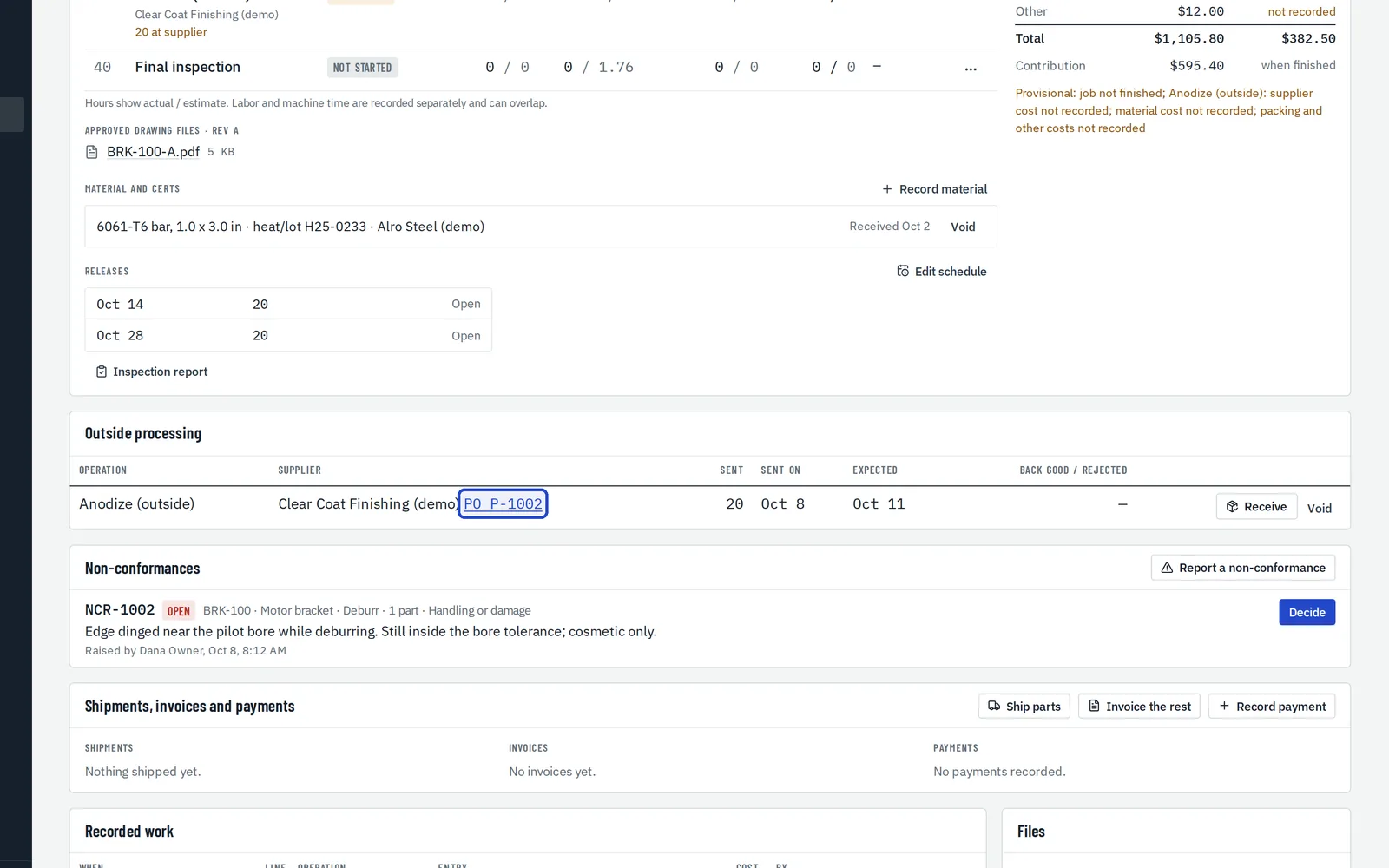
Print the supplier PO
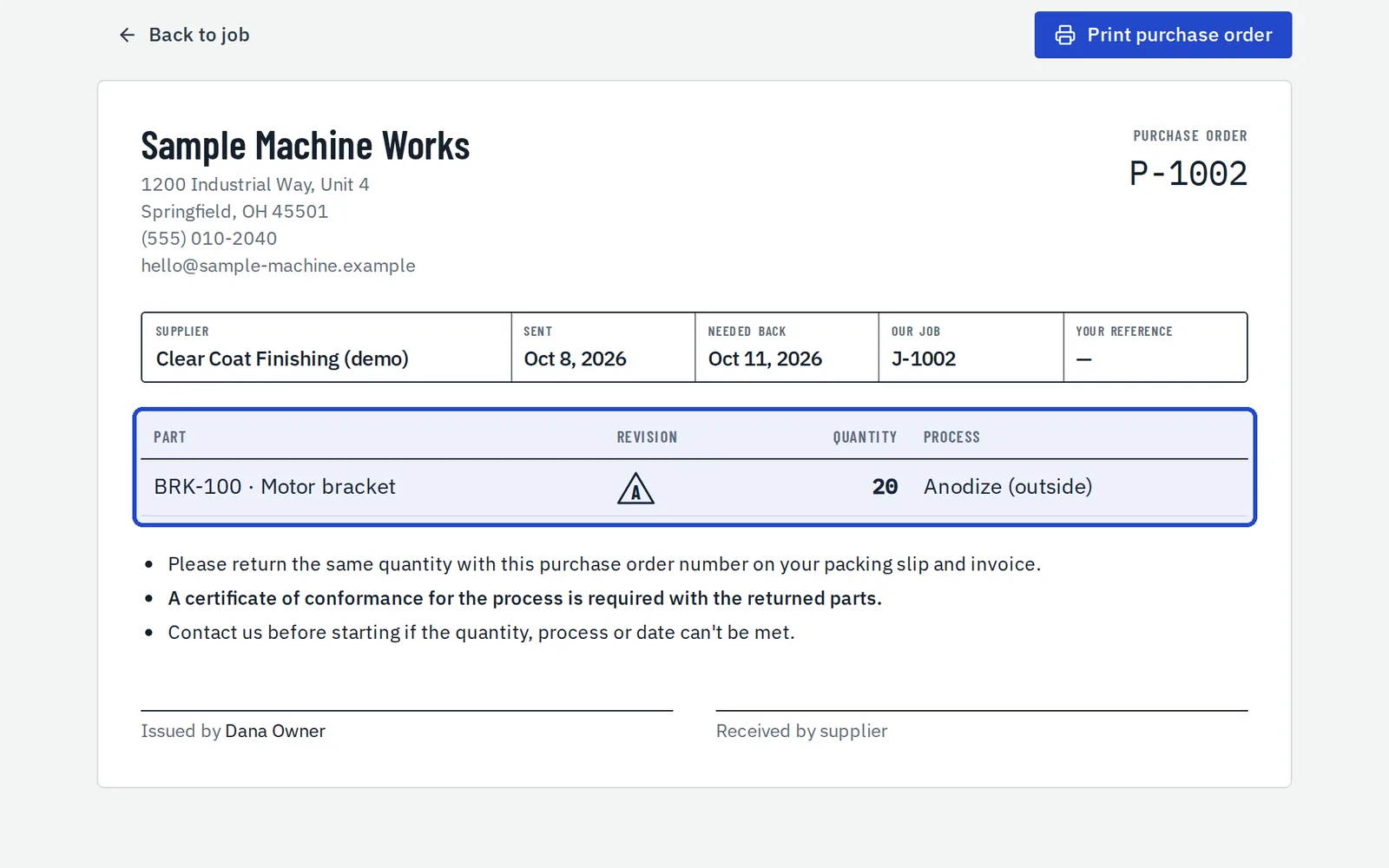
The PO lists the part, revision, quantity and process, and asks for a cert when your customer needs one.
Receive them back
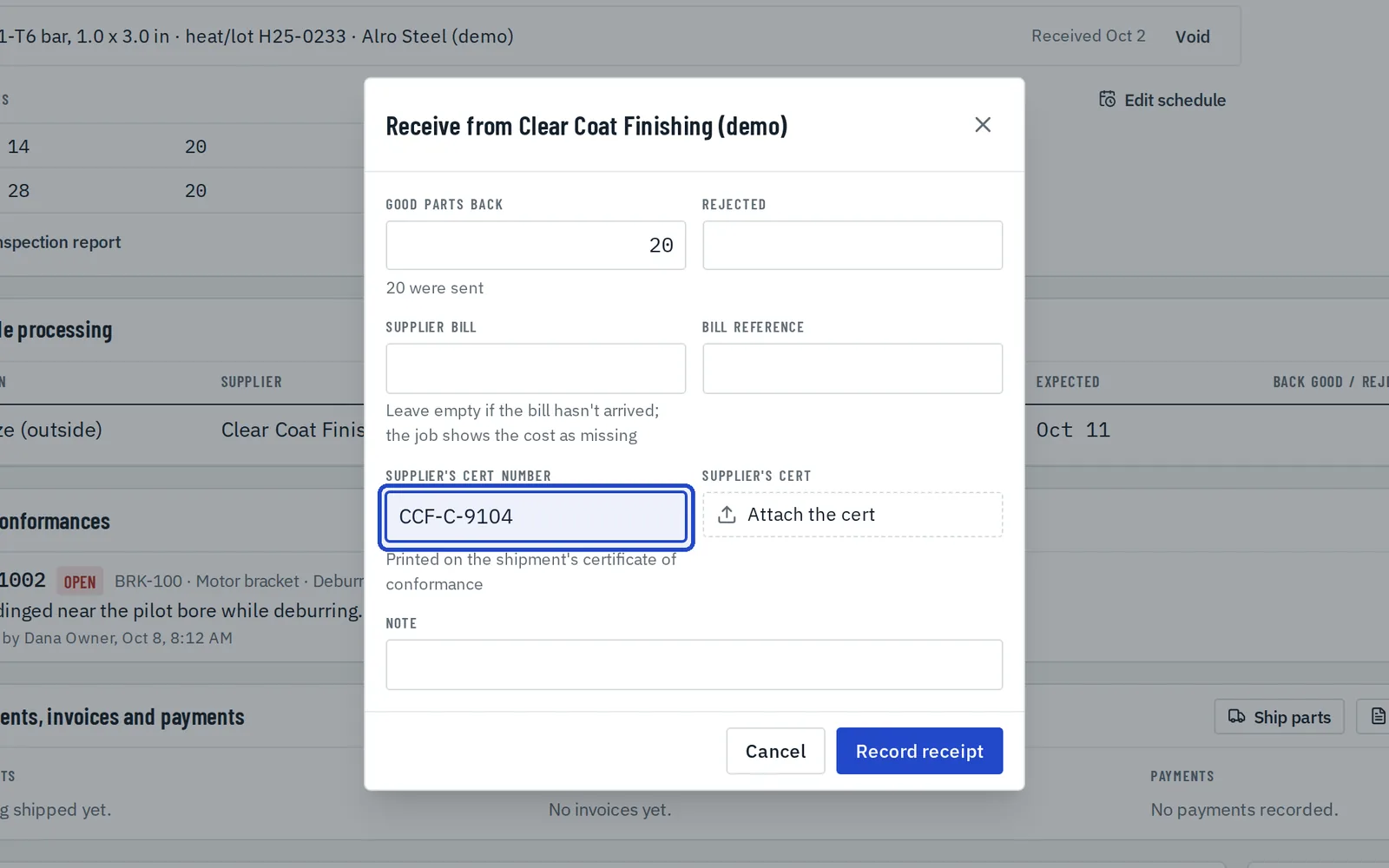
Choose Receive to record the good parts back, any rejects, the supplier's bill and their cert number or file.
Record the material
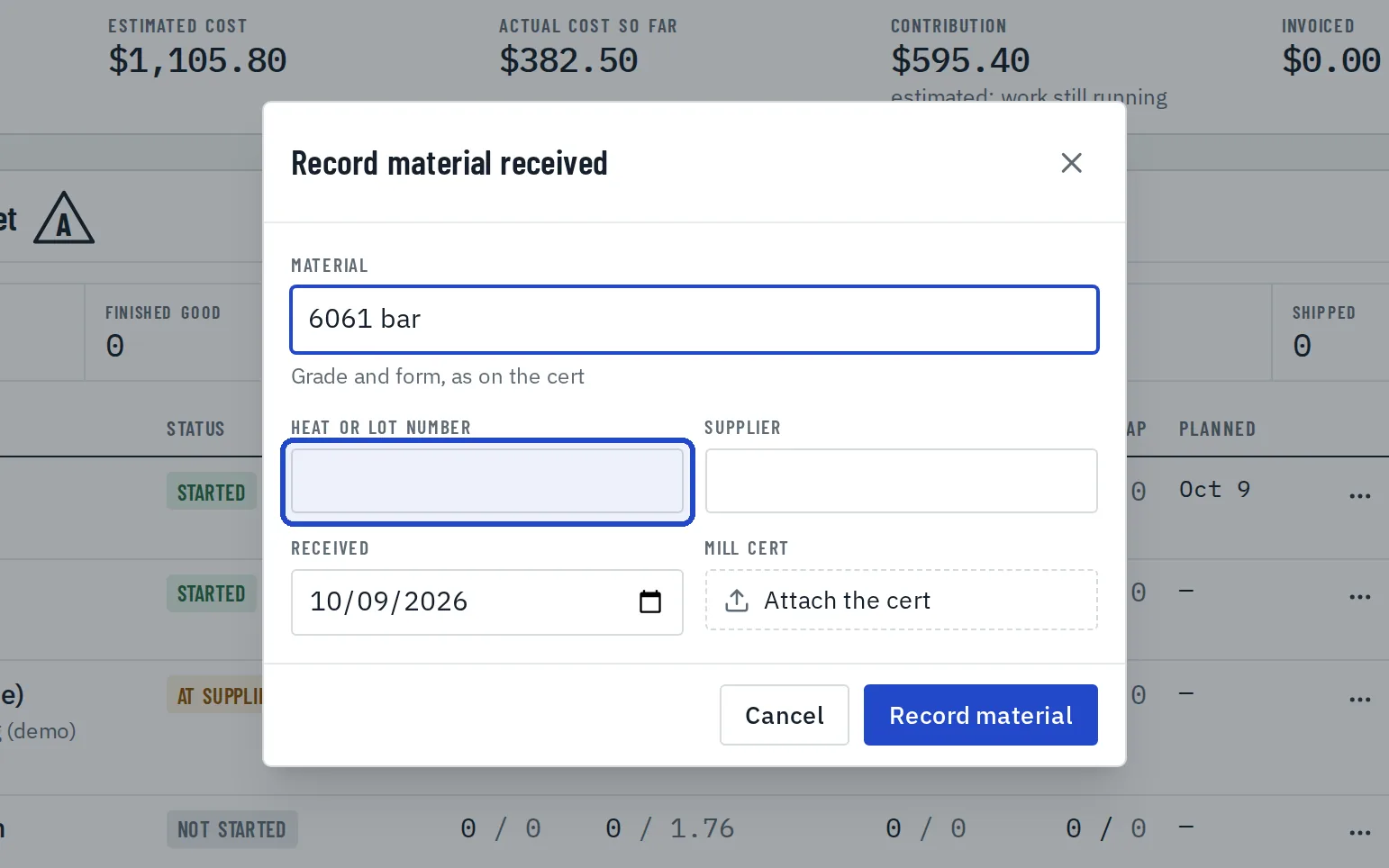
Under Material and certs, choose Record material and enter the material, heat or lot number, supplier, date received and the mill cert.
Find jobs by heat number
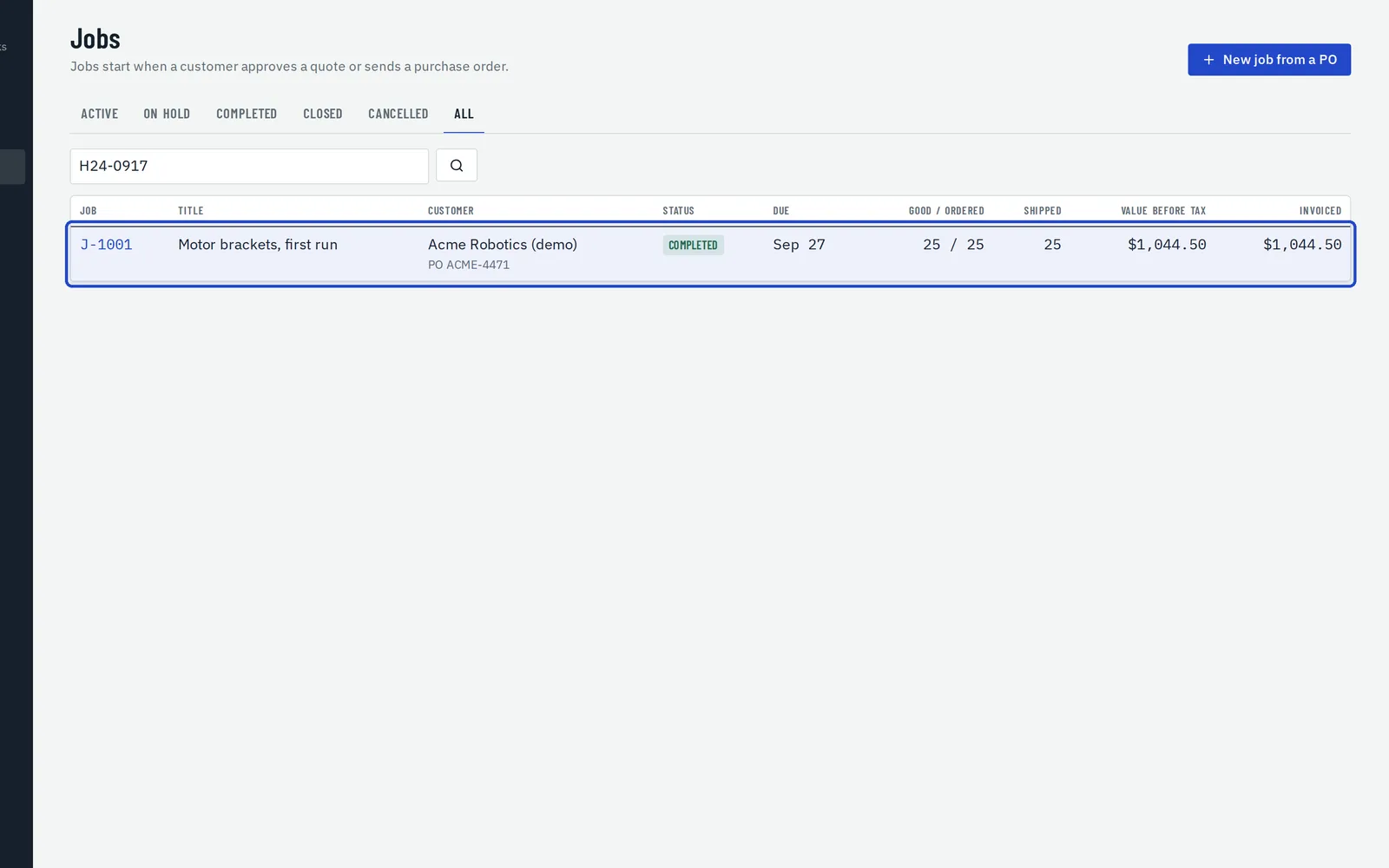
Search Jobs, on the All tab, by a heat or lot number to find every job made from it.