Part 12 of 13
Your shop's website
A website for your shop, made from what's already in Fabber, with a request form that lands as a draft quote.
 Video coming soon
Step by step
Write your website
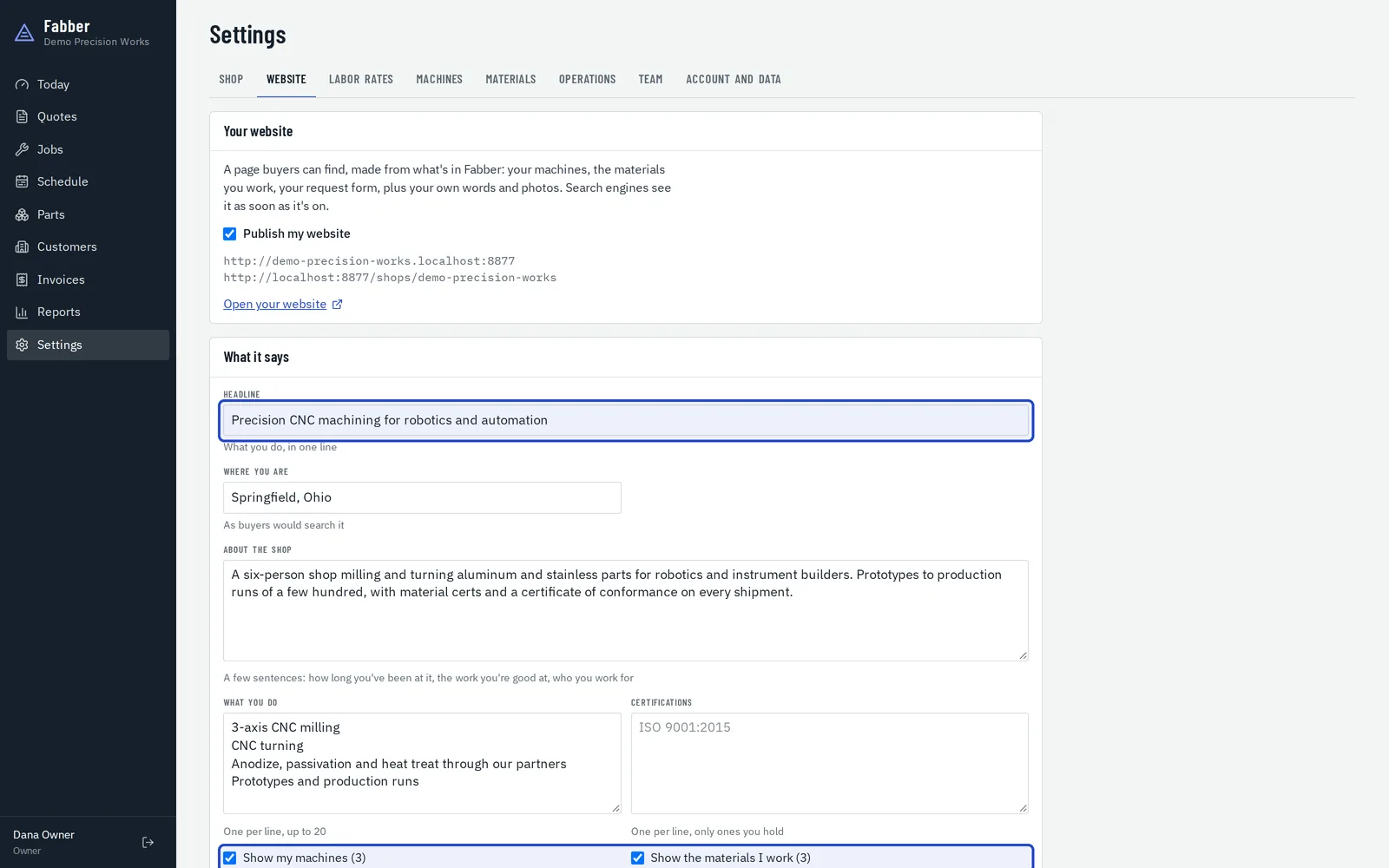
In Settings, Website, add a headline, where you are, about the shop, what you do and your certifications. Your machines and materials can show straight from your records.
Publish it
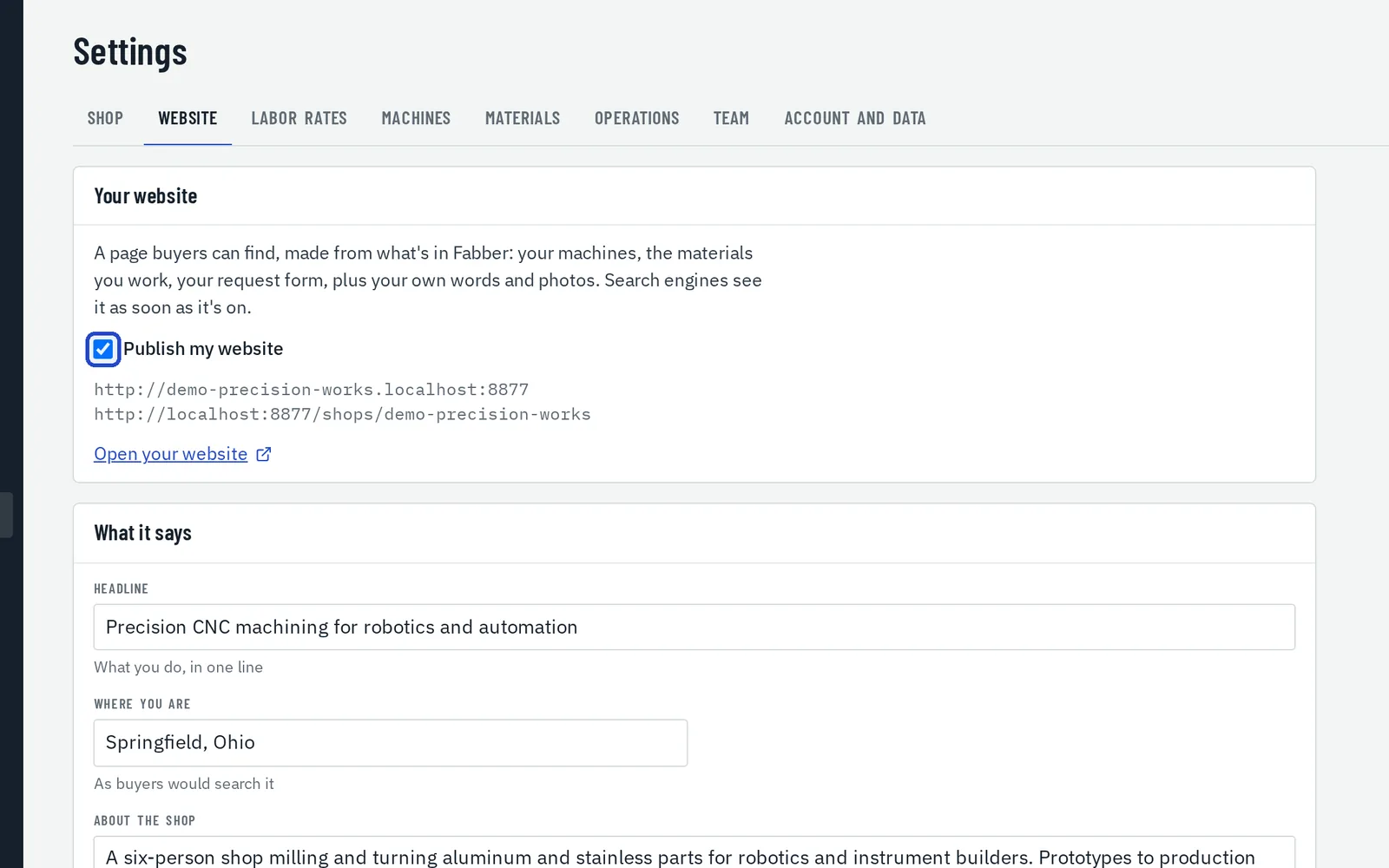
Tick Publish my website. It's at your-shop.fabber.io. You need to have confirmed your email address first.
Your public page
Buyers see your services, machines, materials and certifications, with a Request a quote button.
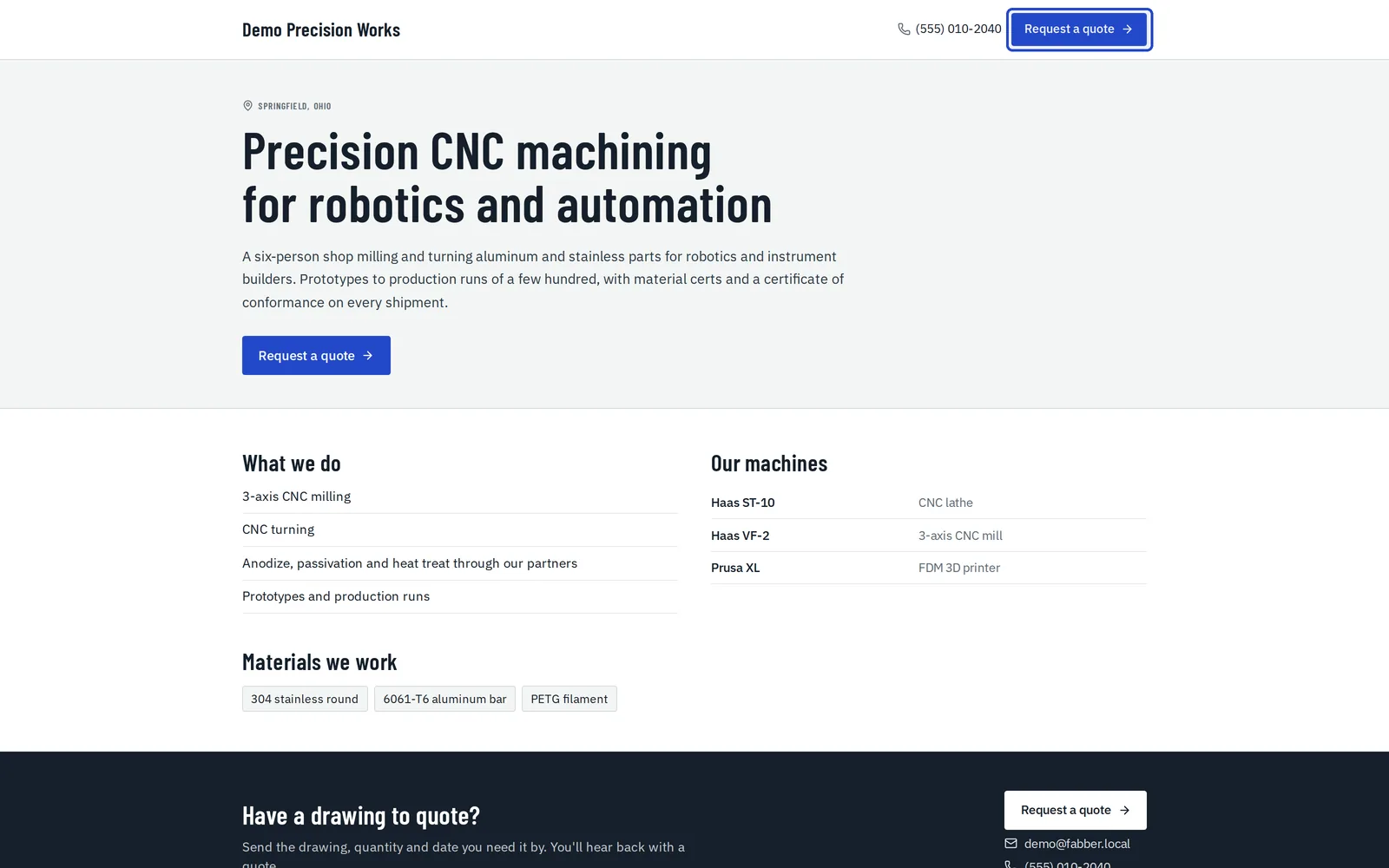
Requests arrive as draft quotes
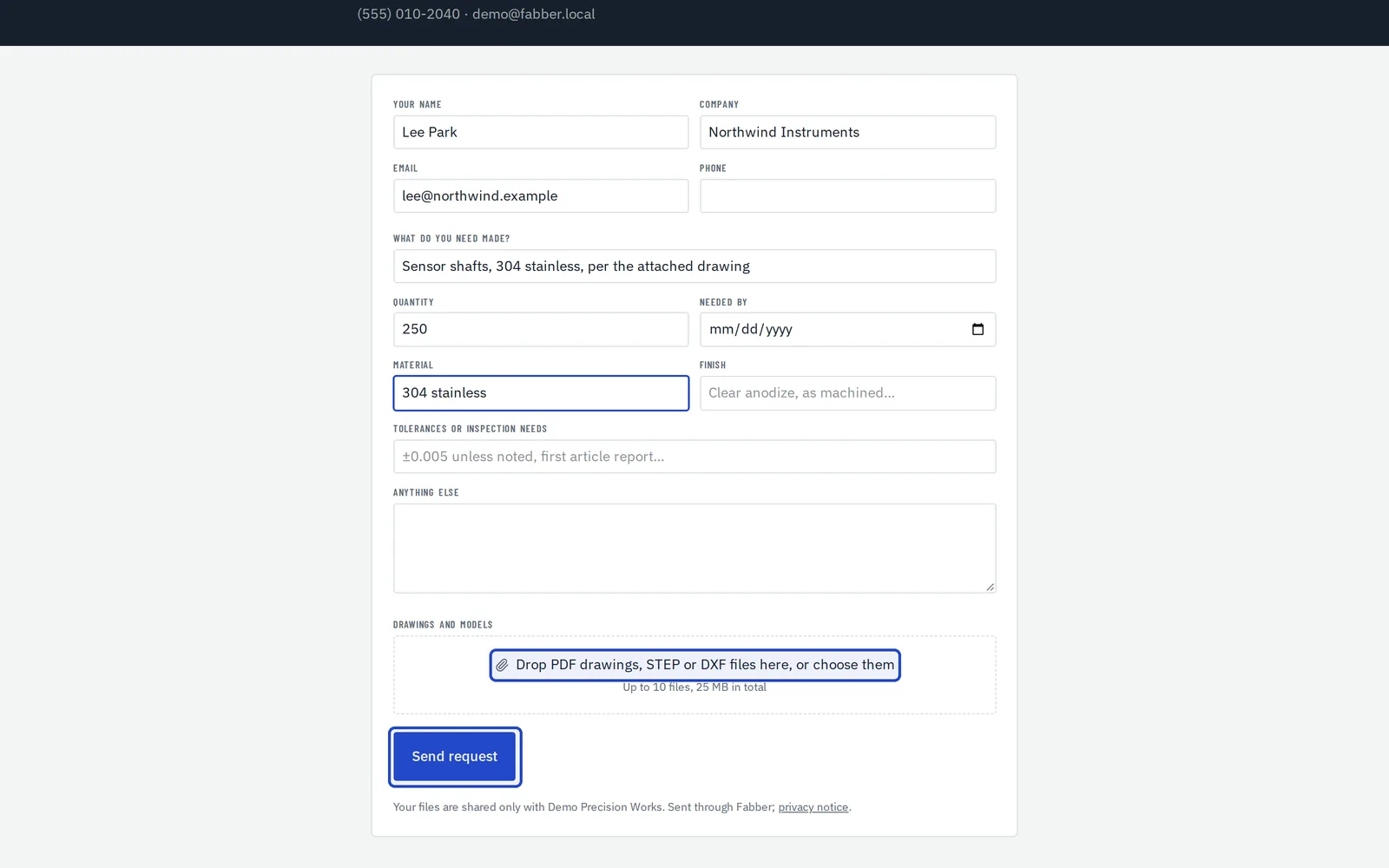
The request form takes their name, what they need, the quantity, material, finish and their drawings. Each request lands on Today under To quote, with the files attached.
Use the form on your own site
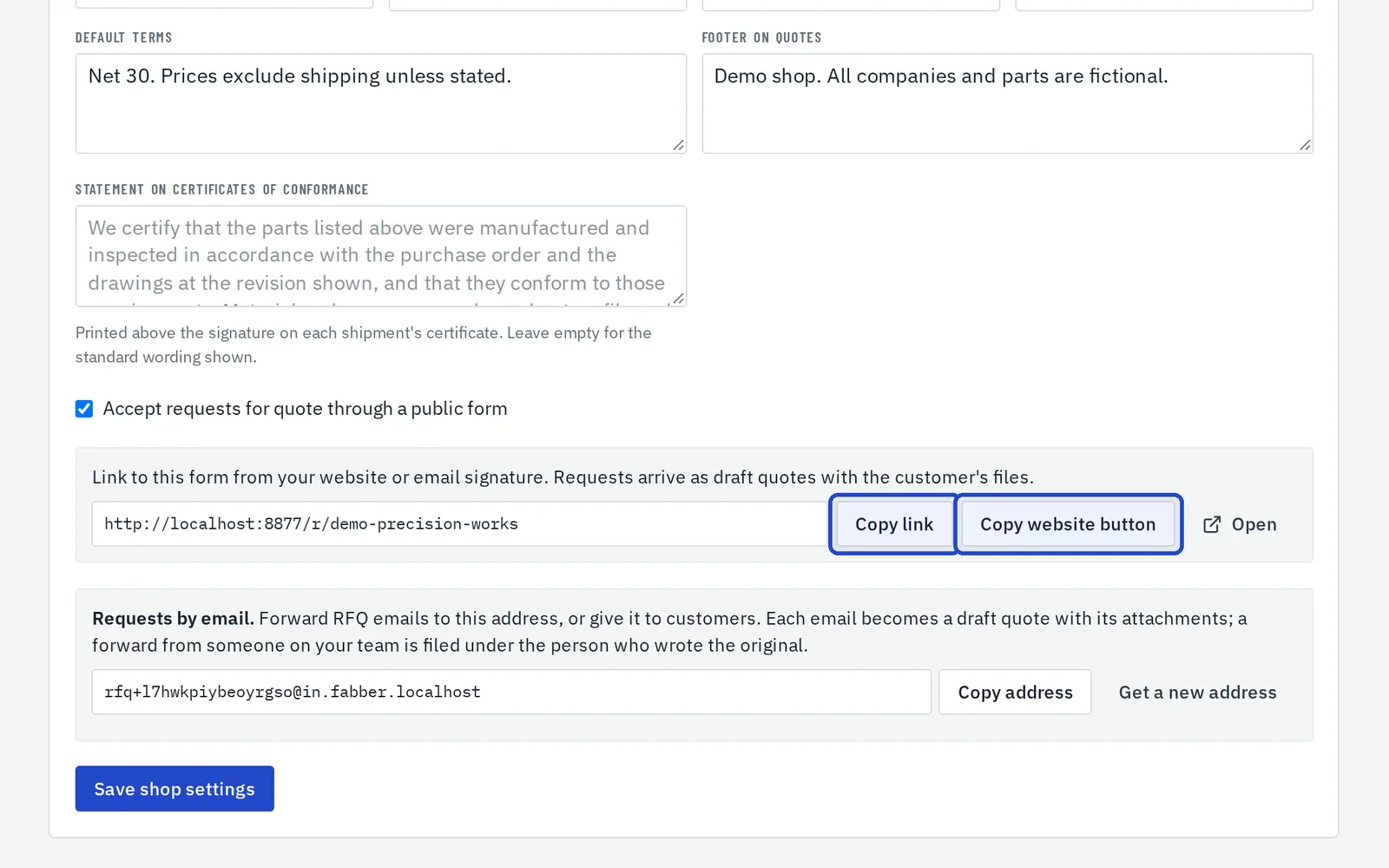
In Settings, Shop, tick Accept requests for quote through a public form, then copy its link or a ready-made button for the website you already have.