Part 10 of 13
Ship, certify and invoice
Partial shipments, packing slips, certificates, invoices, credit notes and your accounting export.
 Video coming soon
Step by step
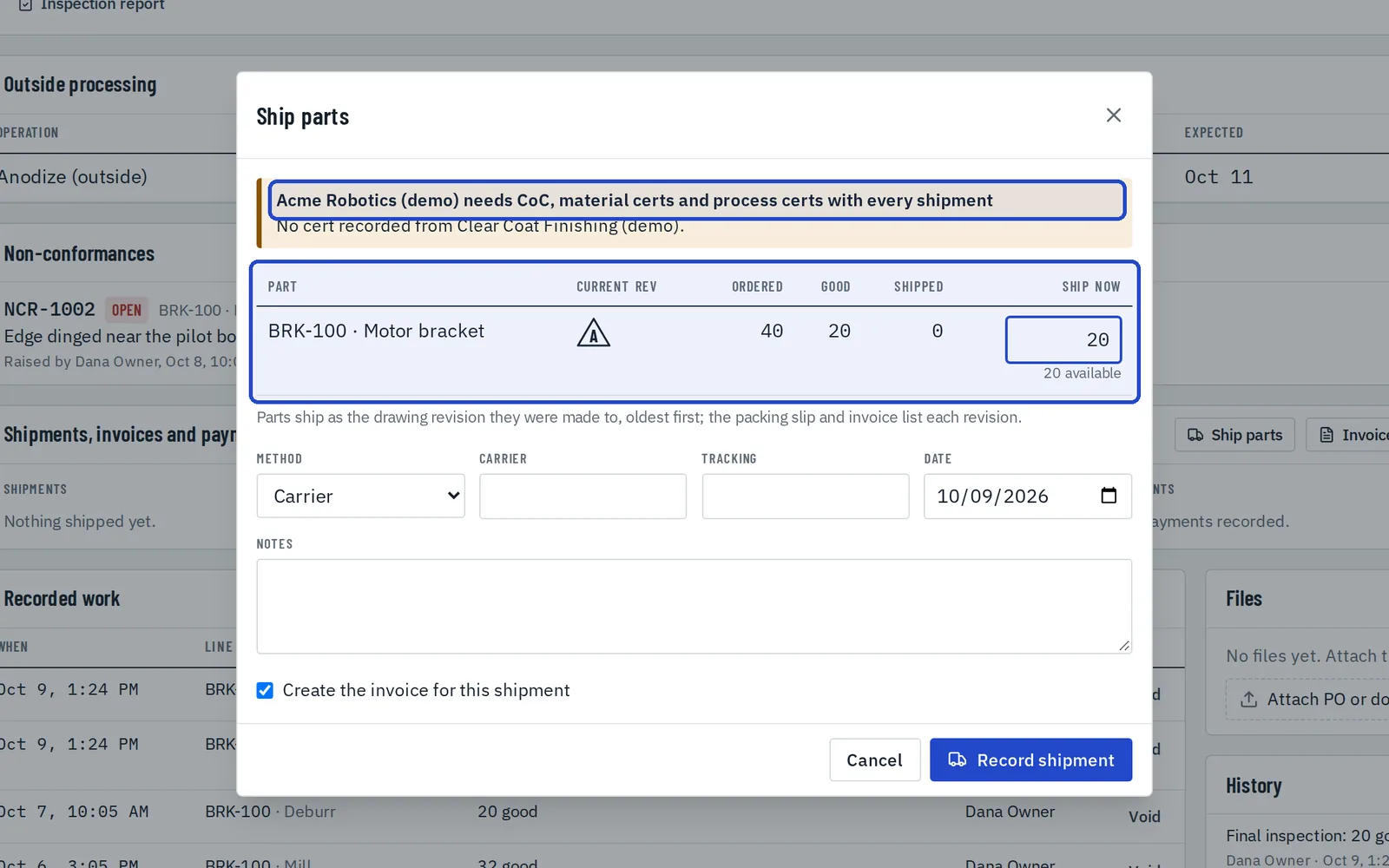
Ship parts
On the job, choose Ship parts. Enter how many of each line ship now, and the carrier and tracking. The customer's paperwork is listed at the top, and the invoice can be created in the same step.
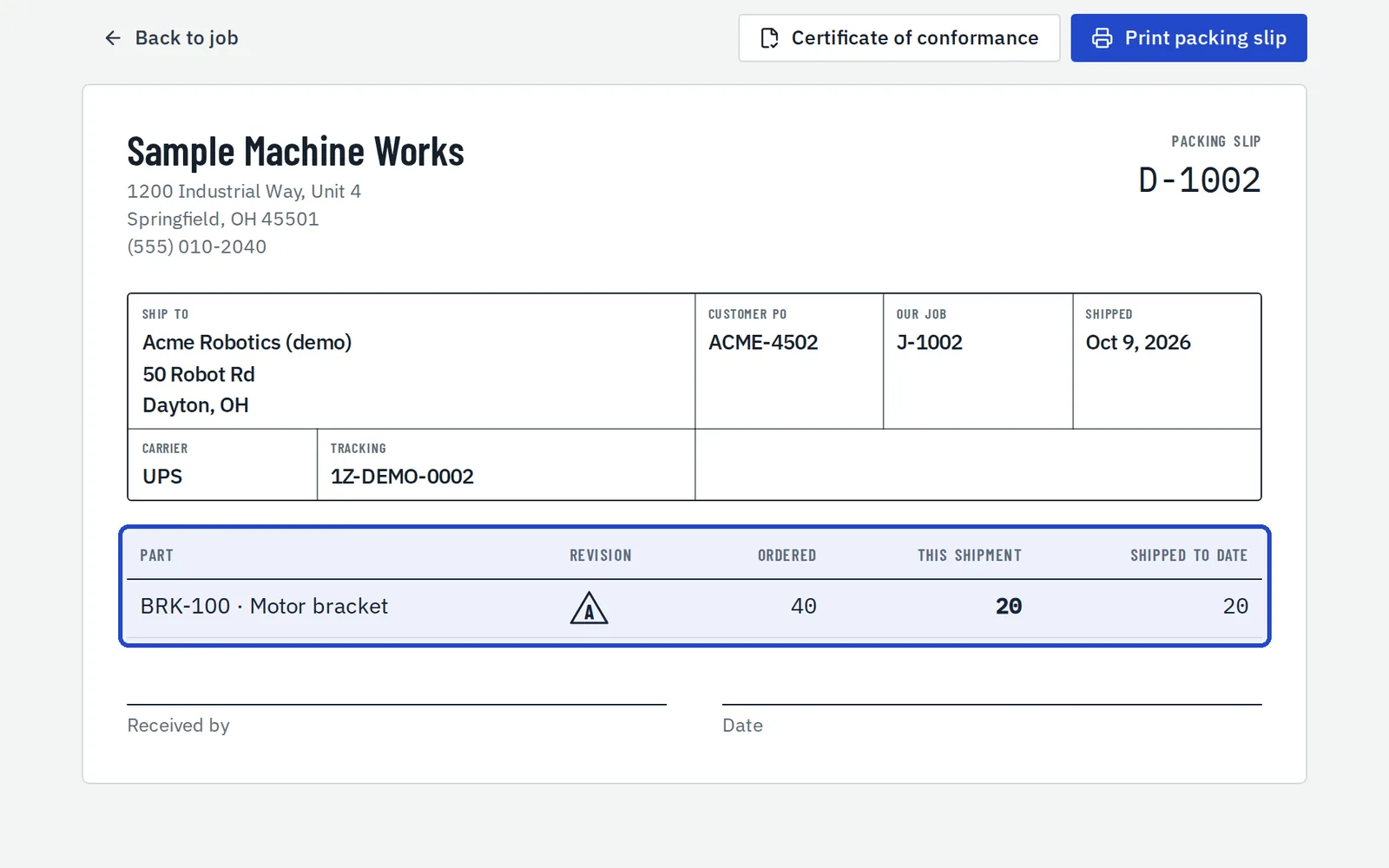
Print the packing slip
Each shipment has a packing slip with this shipment's quantities and what's shipped to date.
Print the certificate of conformance
The certificate takes the revision, heat lot and outside process cert from the job's own records. Enter who signs it, and their title.
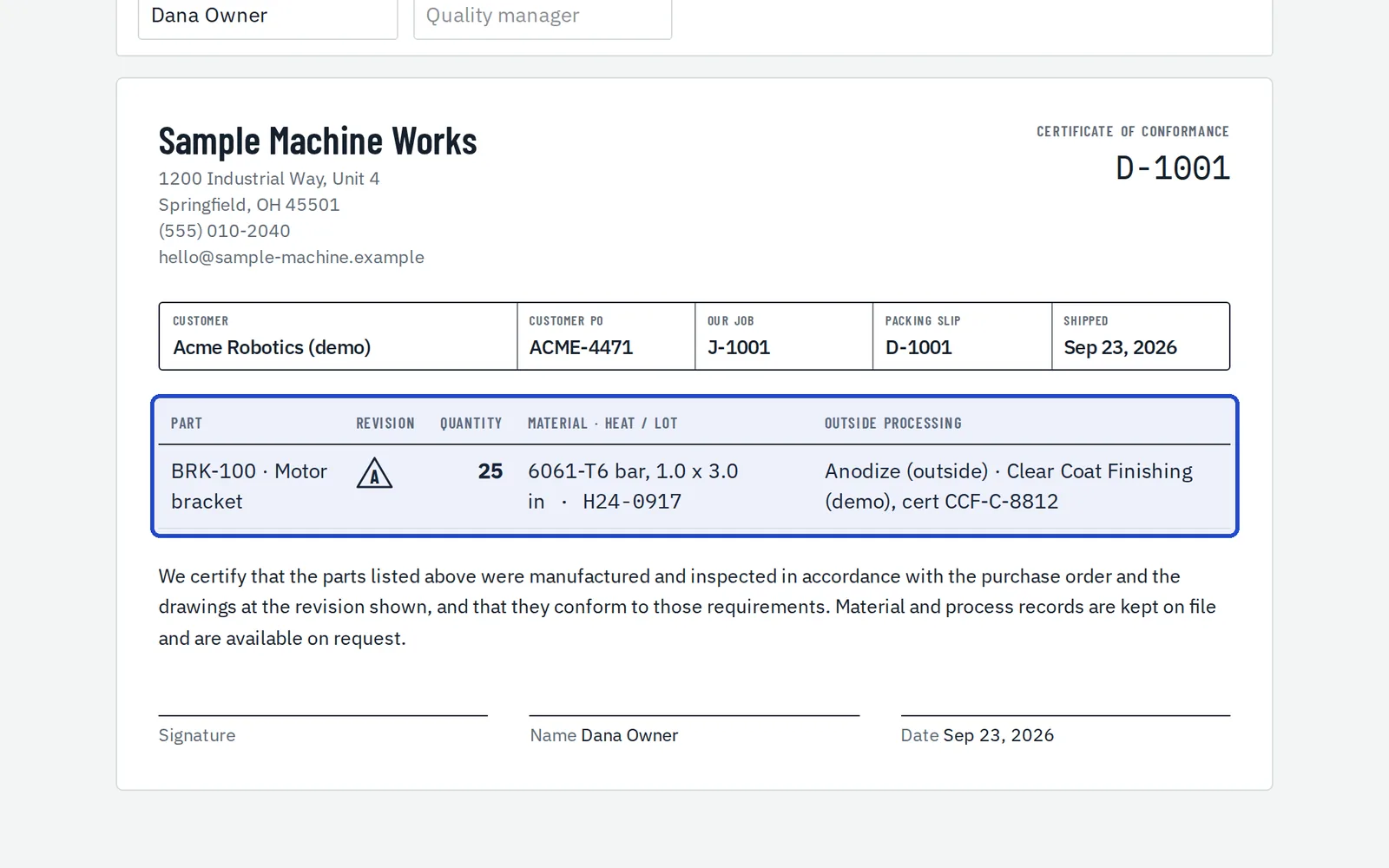
Check the invoice
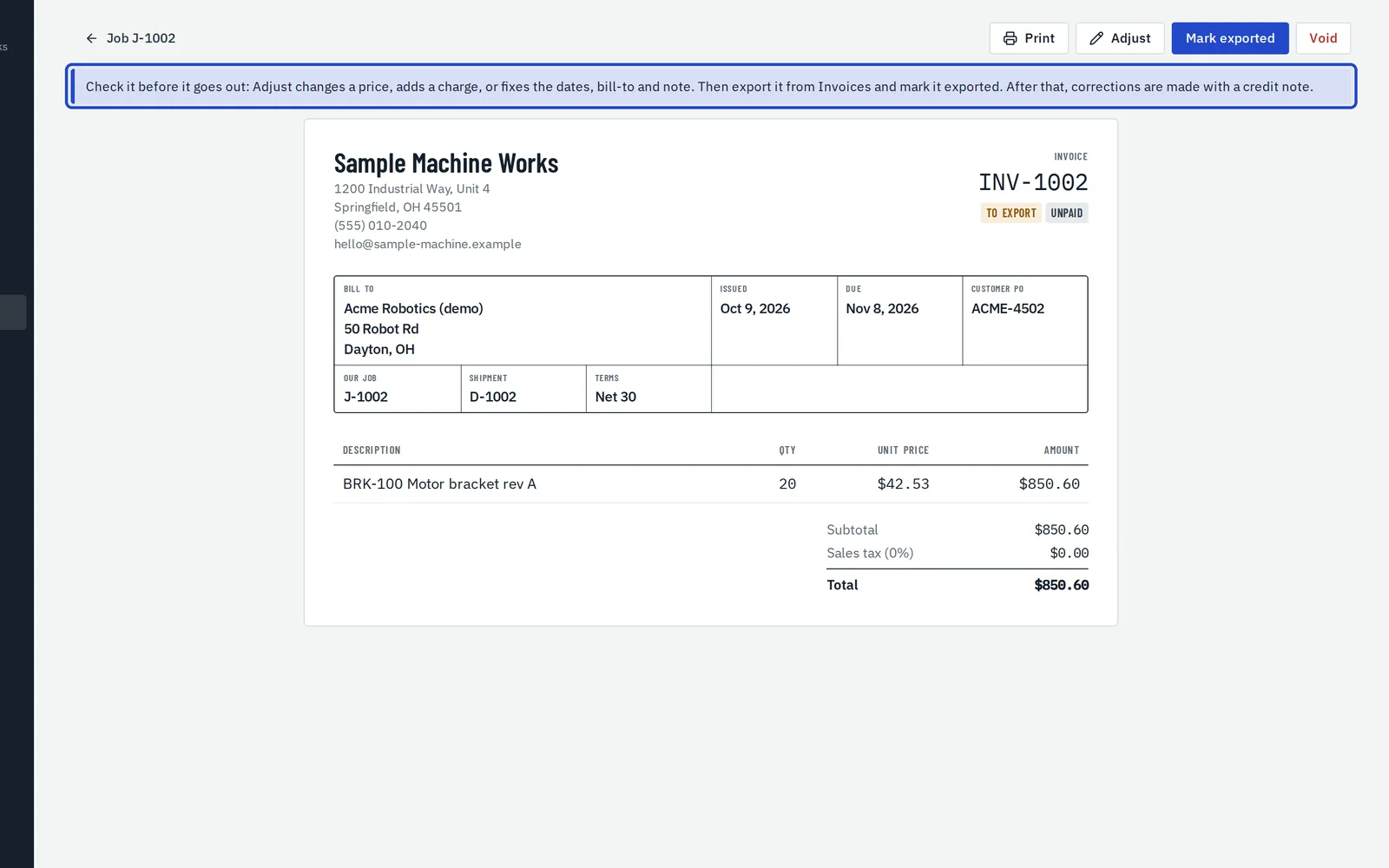
Each invoice is made from what shipped, at the approved prices. It stays to export until it goes to your accounting system, so you can check it first.
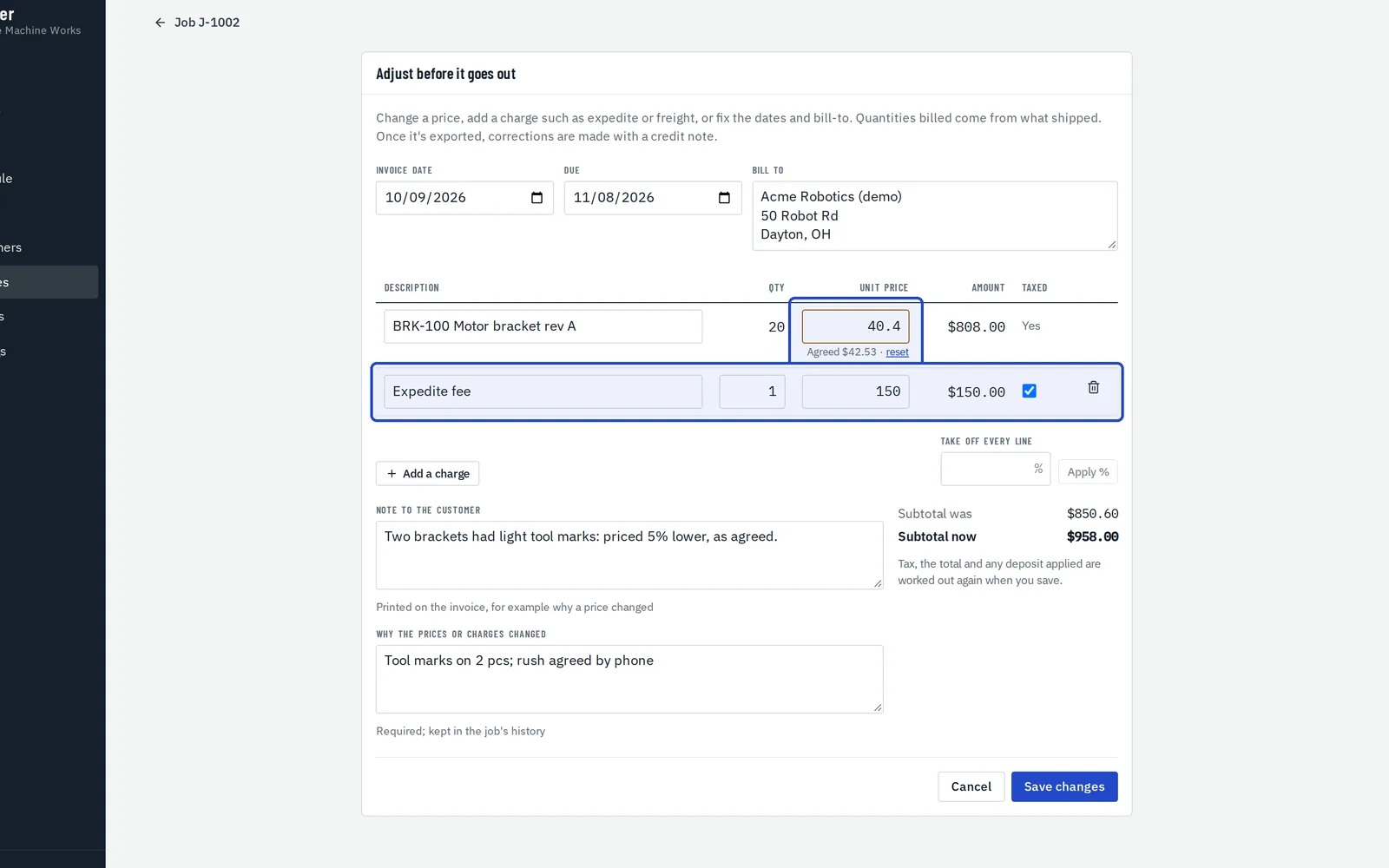
Adjust it before it goes out
Choose Adjust to change a price, add a charge such as expedite or freight, fix the dates or bill-to, or add a note for the customer. A changed price keeps the agreed one beside it, and your reason goes in the job's history.
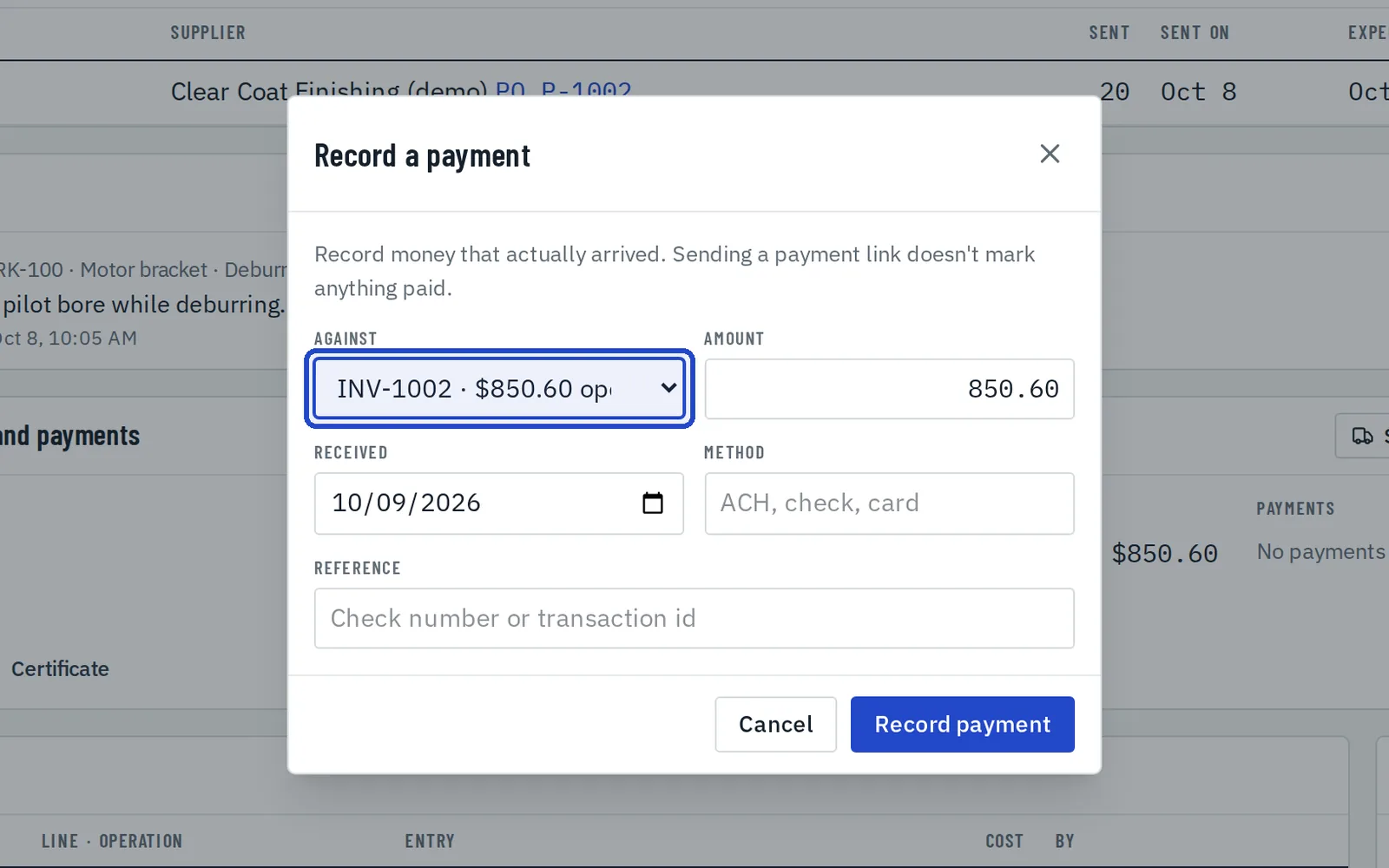
Record payments
Choose Record payment for money that has arrived, against an invoice or as a deposit on the job. A deposit is taken off the next invoice.
Export to QuickBooks or Xero
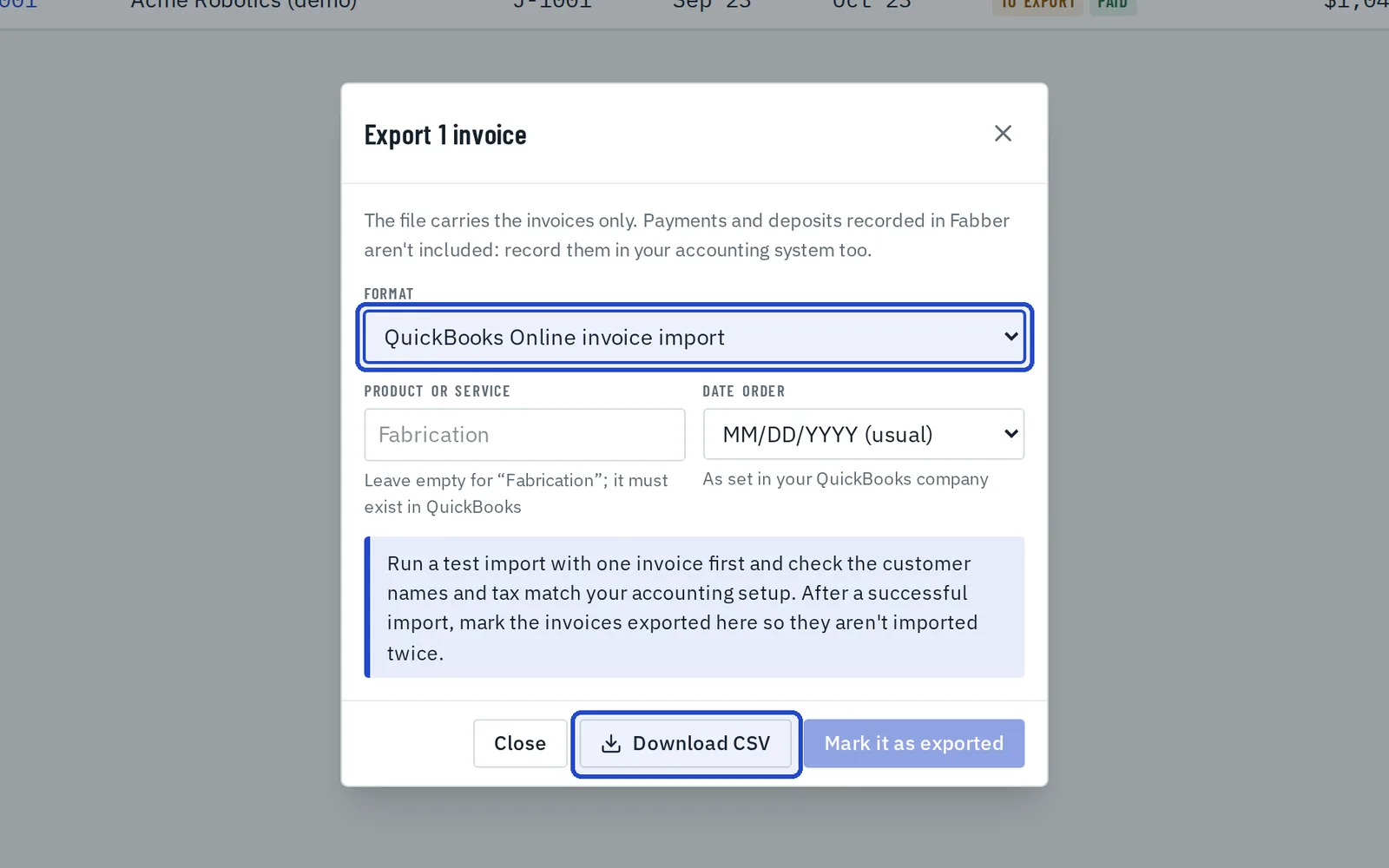
In Invoices, choose Export, pick QuickBooks Online or Xero and download the file to import. Then mark the invoices exported, so none goes in twice.
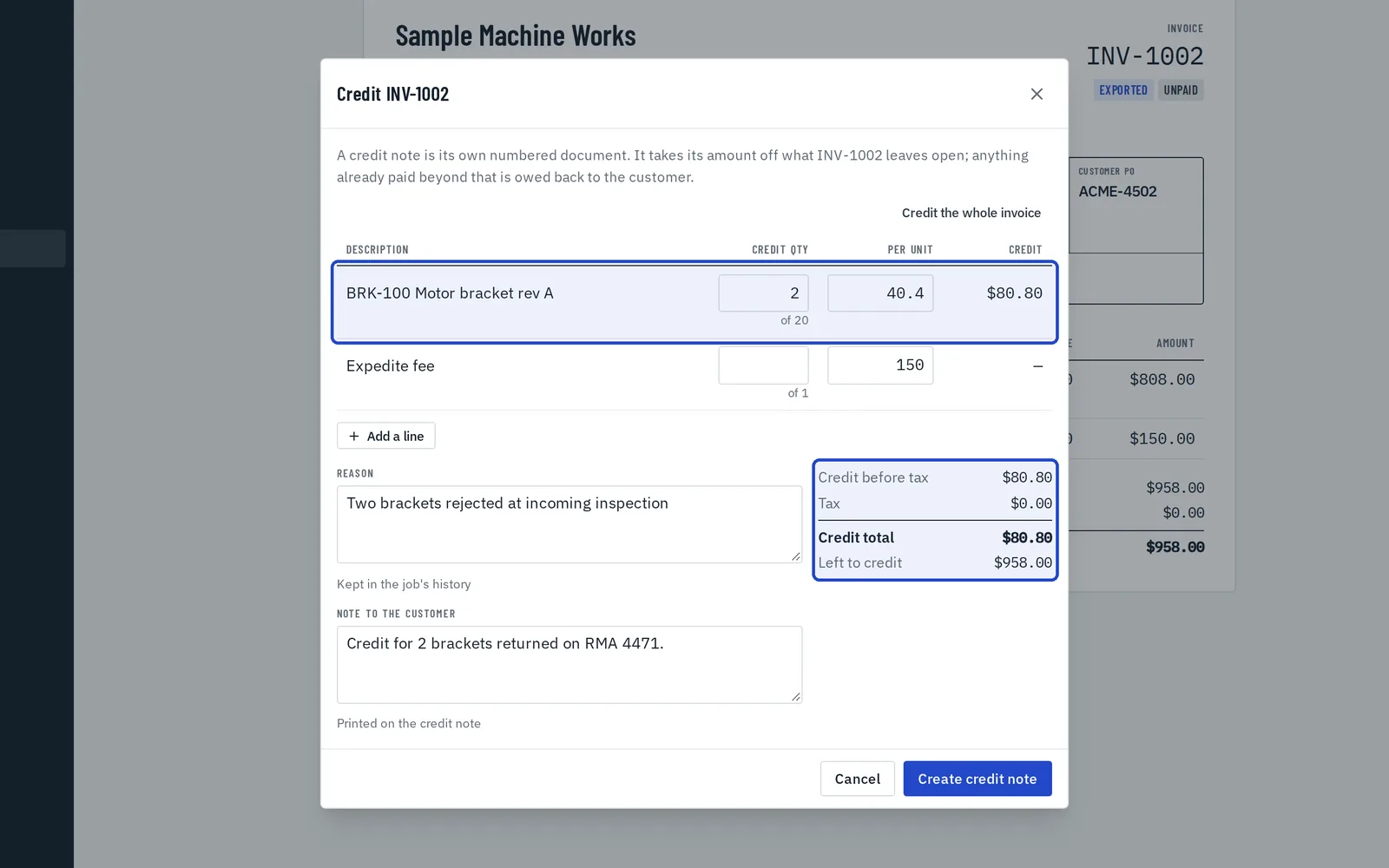
Credit or void it afterwards
Once exported, an invoice doesn't change. Choose Credit for a credit note against part or all of it, with its own number; it comes off what the invoice leaves open. Void cancels an invoice so the shipment can be invoiced again. Xero imports credit notes; in QuickBooks, enter them as credit memos.